
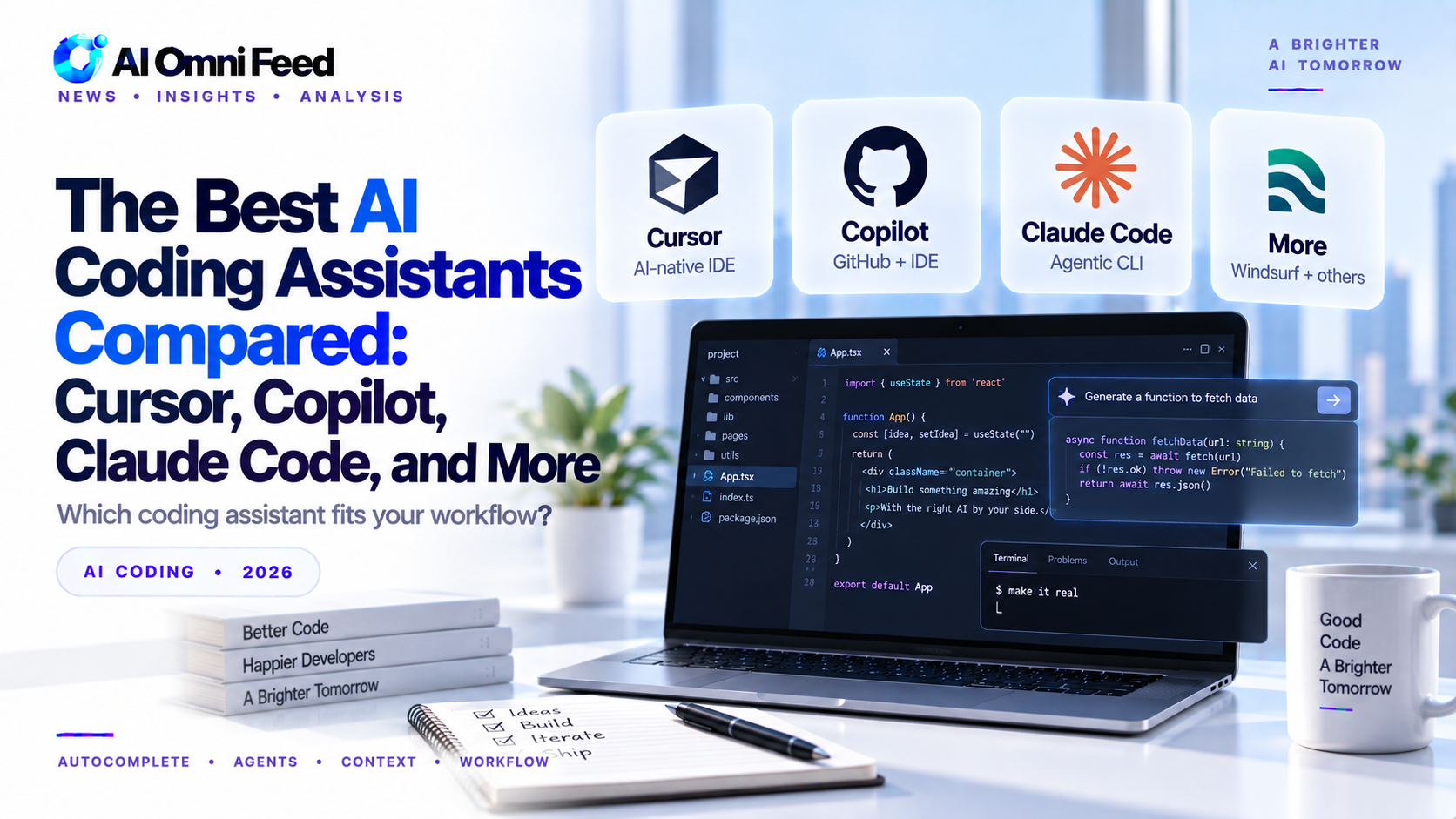
How AI Coding Assistants Improve Developer Productivity
AI coding assistants have transformed software development by automating routine coding tasks, suggesting completions, and helping developers explore unfamiliar codebases. Studies show that developers using AI coding assistants complete tasks 2-3x faster on average, with the biggest productivity gains in boilerplate code, test writing, and code documentation. The assistants excel at pattern recognition and can generate substantial code blocks from natural language descriptions.
However, AI code generation requires careful review. Generated code may contain security vulnerabilities, licensing issues, or subtle bugs that automated tests might miss. Experienced developers use AI assistants as pair programmers who handle routine work while the developer focuses on architecture, security, and business logic. Following best practices like specific prompting, code review, and testing ensures AI-generated code meets production quality standards.
AI coding assistants have become essential tools for developers. The market has matured significantly, with several strong options competing across different use cases. Here is a practical comparison of the leading AI coding tools based on real development work.
The Contenders
Cursor
Cursor has emerged as the most innovative AI coding environment. Built as a fork of VS Code, it integrates AI deeply into the editor experience. Features like tab-to-complete inline suggestions, multi-file editing, and a chat interface that understands your entire codebase make it the most polished AI coding experience available. Cursor’s $3B valuation reflects genuine developer love — it’s fast, context-aware, and constantly improving. The main drawback is that it requires switching from your current editor.
GitHub Copilot
Microsoft’s Copilot is the most widely used AI coding assistant, integrated directly into VS Code, JetBrains, and other major editors. Copilot excels at inline code completion — suggesting the next few lines as you type. The latest version adds chat capabilities, code review, and agentic features. Copilot’s strength is its ubiquity and integration with the GitHub ecosystem. Its weakness is that the inline completions can sometimes lack broader context about your project architecture.
Claude Code (Anthropic)
Claude Code is Anthropic’s terminal-based coding agent. Unlike traditional IDE plugins, Claude Code works directly in your terminal and can execute commands, edit files, and manage entire workflows. It excels at complex refactoring, debugging, and understanding large codebases. The terminal interface is less familiar for developers used to GUI tools, but for complex multi-file changes, Claude Code’s agentic approach is powerful.
ChatGPT (Code Interpreter / Advanced Data Analysis)
ChatGPT’s coding capabilities are best for prototyping, data analysis, and one-off scripts. The Advanced Data Analysis feature lets you upload files, run Python, and generate charts — all within the chat interface. It’s less suited for ongoing development work in an existing codebase but excellent for exploration and learning.
How They Compare
Best for daily development: Cursor offers the most comprehensive integrated experience. Copilot is a close second and the better choice if you want to stay in your existing editor.
Best for code review and refactoring: Claude Code’s agentic approach makes it the best tool for understanding and modifying large codebases.
Best for learning and prototyping: ChatGPT is the most accessible and best suited for beginners or for quickly testing ideas.
Our Recommendation
Many professional developers now use a combination: Cursor or Copilot for daily coding, Claude Code for complex refactoring, and ChatGPT for prototyping and data analysis. The cost of maintaining two subscriptions is easily offset by the productivity gain. If you can only pick one, choose based on your primary workflow — Cursor for frontend and full-stack work, Copilot for Microsoft-centric stacks, Claude Code for backend and systems programming.
The AI coding tool landscape is evolving rapidly. The best choice today may not be the best choice next quarter. The key is to start using one consistently and pay attention to how it changes your development workflow.
Amazon CodeWhisperer (Q Developer)
Amazon Q Developer, formerly CodeWhisperer, is AWS’s entry in the AI coding assistant market. Its strongest advantage is deep AWS integration: it understands your Lambda functions, S3 buckets, DynamoDB tables, and other AWS resources, generating code that uses the AWS SDK correctly. For developers building on AWS, this contextual awareness can save hours of documentation searching. Q Developer also excels at security scanning, flagging potential vulnerabilities in your code as you write. The free tier for individual developers makes it accessible, while enterprise features include customizable code policies and admin controls.
JetBrains AI and Codeium
JetBrains has integrated AI directly into its IDEs (IntelliJ, PyCharm, WebStorm) with full context awareness of your project structure. For developers already in the JetBrains ecosystem, this provides the most seamless experience. Codeium is a newer entrant that has gained traction with its free tier for individual developers and strong multi-language support. It offers chat, code completion, and search across your codebase. Both tools are worth considering if you prefer specialized options to the market leaders.
Real-World Performance Benchmarks
Third-party benchmarks from SWE-bench and HumanEval show the leading AI coding tools clustering closely in raw coding ability, but real-world developer satisfaction differs based on workflow integration. A 2026 survey of 5,000 developers found that Cursor users reported the highest satisfaction for complex multi-file changes, Copilot users valued the seamless VS Code integration most, Claude Code users praised its debugging and refactoring capabilities, and Q Developer users appreciated AWS-specific code generation.
Speed comparisons show all major tools generate simple functions in 2-5 seconds. For complex refactoring tasks, agentic tools like Claude Code and Cursor’s Composer mode complete multi-file changes 3-5x faster than tab-completion-only approaches. The productivity advantage of agentic tools over simple autocomplete is the biggest shift in the 2025-2026 AI coding landscape.
Security and Compliance Considerations
Enterprise teams must consider data privacy, code ownership, and compliance when adopting AI coding tools. GitHub Copilot offers a business tier that disables training on your code. Amazon Q Developer is covered under AWS’s existing compliance certifications. Cursor offers local-only mode for sensitive projects. Organizations in regulated industries need to verify that their chosen tool meets data residency requirements and does not expose proprietary code to model training pipelines.
The Future of AI Coding Assistants
The trajectory is clear: AI coding assistants are moving from autocomplete tools to autonomous agents that can plan, implement, and test features with minimal human guidance. The key battlegrounds in 2027 will be context window size (how much of your codebase the AI understands), agentic capability (autonomous multi-step task execution), IDE integration depth, and enterprise security features. The tools that combine all four effectively will dominate the market. For now, the practical advice is to experiment with multiple tools and find the combination that fits your specific workflow.
Getting Started: A Practical Guide
For developers new to AI coding assistants, the best approach is to start with one tool and use it consistently for a week. Begin with simple tasks: generate boilerplate code, write unit tests, explain unfamiliar syntax. As you build confidence, move to more complex tasks: refactoring functions, debugging issues, and generating documentation. Within two weeks, most developers report that AI coding assistants have become an indispensable part of their workflow, and they cannot imagine returning to coding without AI support.
If you use AI for coding, you might also benefit from our guide to the best AI for math in 2026 for solving problems, generating formulas, and working with data.
Frequently Asked Questions
Which AI coding assistant is best?
Cursor leads for IDE-integrated AI with deep codebase understanding. Copilot excels for Microsoft ecosystem. Windsurf offers strong multi-file editing capabilities.
Are AI coding assistants worth it?
Yes. Developers report 2-3x productivity improvements. Most paid tiers are 10-20/month and pay for themselves in time saved.
Can AI replace software engineers?
AI augments software engineers but cannot replace them. Human judgment, architecture decisions, and business context remain essential.
For more information, see our AI funding analysis and state of AI 2026 guides.
