Quick Answer: Best AI Productivity Tools in 2026
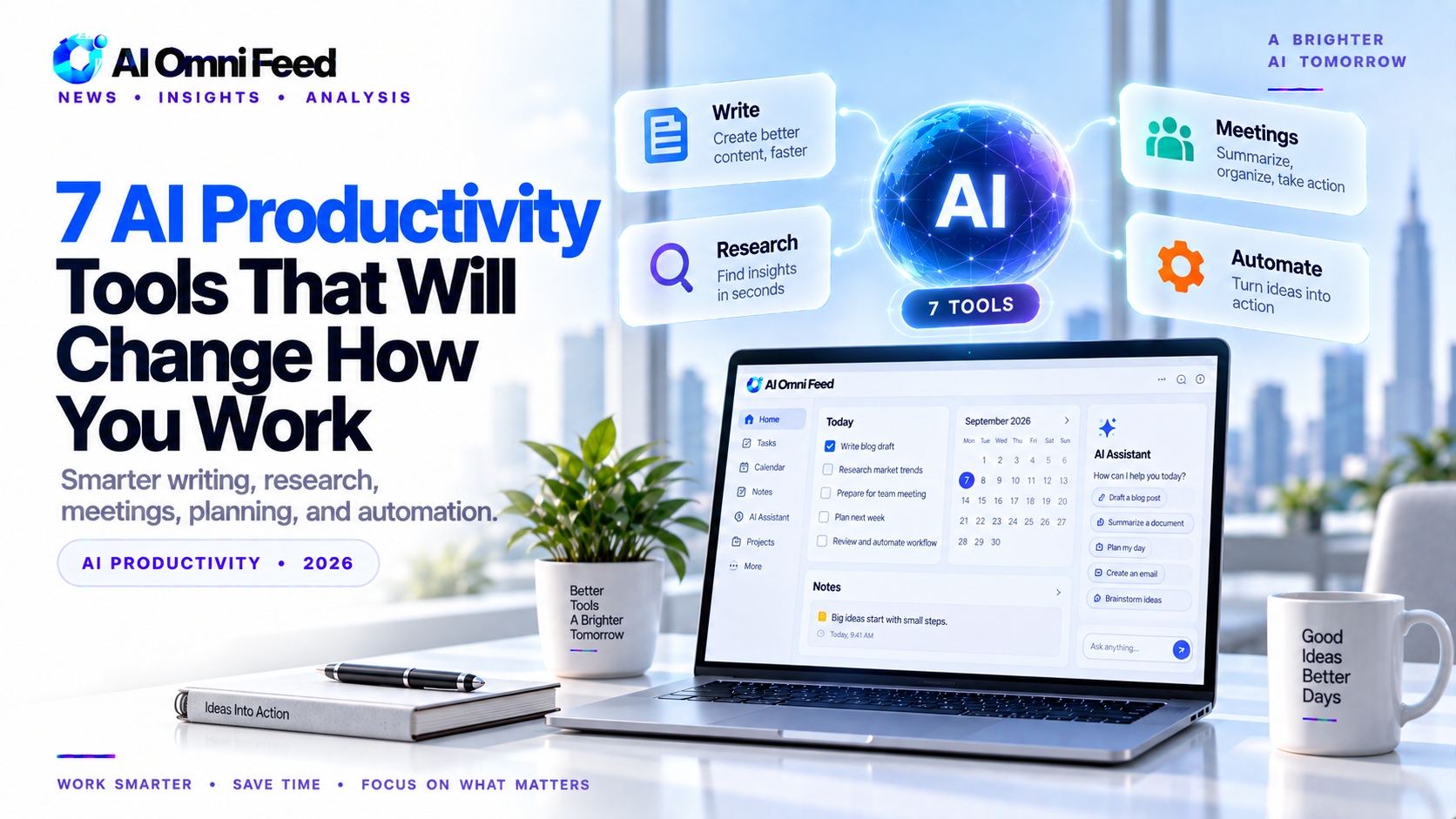
Seven AI productivity tools stand out in 2026: Perplexity Pro for research, Notion AI for knowledge management, Grammarly for writing, Otter.ai for meeting notes, Motion for scheduling, Fireflies.ai for meeting intelligence, and Zapier AI for workflow automation. Together, these tools save professionals 15-25 hours per week by automating research, writing, meeting management, scheduling, and task coordination.
Key Takeaways
- Seven AI productivity tools deliver measurable time savings across research, writing, meetings, scheduling, and automation.
- A complete AI productivity stack costs approximately $80 per month for individuals.
- Perplexity Pro and Notion AI deliver the highest ROI for most knowledge workers.
1. Perplexity Pro — Best for Research
Perplexity is an AI-powered research engine that provides sourced answers with inline citations. Pro tier ($20/mo) gives access to GPT-5, Claude, and Gemini models. Every response includes real-time citations. Best for: anyone who researches topics daily.
2. Notion AI — Best for Knowledge Management
Notion AI adds generative AI to Notion’s docs and project management. Summarizes pages, generates drafts, answers questions across your knowledge base. From $10/member/mo.
3. Grammarly — Best for Writing
AI-powered writing assistance for tone, clarity, and conciseness. Free plan includes 100 AI prompts/mo. Premium ($12/mo) adds full rewrites and plagiarism detection.
4. Otter.ai — Best for Meeting Notes
Real-time transcription and summarization for Zoom, Google Meet, and Teams. Free: 300 min/mo. Pro ($17/mo): unlimited recording, AI action items.
5. Motion — Best for Calendar and Task Management
AI auto-schedules tasks into your calendar based on priority. Adjusts dynamically when meetings shift. From $19/mo.
6. Fireflies.ai — Best for Meeting Intelligence
Records, transcribes, and analyzes meetings. Search past conversations, generate highlights, track action items. Pro from $10/mo.
7. Zapier AI — Best for Workflow Automation
AI-powered automation connecting 6,000+ apps. Describe what you want in plain English. Free: 100 tasks/mo. Paid from $20/mo.
How to Build Your AI Productivity Stack
Most knowledge workers should start with Perplexity Pro ($20) + Grammarly Premium ($12) + Otter.ai Pro ($17) = $49/mo. Add Notion AI ($10) for team docs and Zapier AI ($20) for cross-app automation. Complete stack: ~$79/mo.
How These Tools Compare: Real-World Time Savings
Based on user reports and productivity studies, here is what each tool saves in practice. Perplexity Pro saves 3-5 hours per week on research tasks by eliminating manual source hunting. Notion AI saves 2-4 hours on document creation and information retrieval. Grammarly saves 1-2 hours on editing and proofreading. Otter.ai saves 2-3 hours on meeting notes and follow-ups. Motion saves 2-4 hours on scheduling and task management. Fireflies.ai saves 1-2 hours on meeting recap and action item tracking. Zapier AI saves 3-10+ hours on repetitive data entry and cross-app workflows. Combined, these tools can save a knowledge worker 15-30 hours per week, effectively adding 2-4 full working days of productive time.
Integrating AI Productivity Tools into Your Existing Workflow
The most effective approach is not to adopt all tools at once but to identify your biggest time waste and address it first. If you spend hours in meetings, start with Otter.ai or Fireflies.ai. If research consumes your day, start with Perplexity Pro. Once that tool is integrated into your routine, add the next one. Most users find that after a 2-3 week adoption period, the tools become invisible they work in the background, and you only notice their absence when you try to work without them. The key is consistent use: AI productivity tools improve with usage as they learn your patterns and preferences.
Potential Drawbacks and Limitations
AI productivity tools are not perfect. Transcription tools occasionally mishear technical terms. AI scheduling can miss nuance in priority decisions. Automated writing suggestions may not match your voice. The risks include over-reliance on AI outputs without verification, privacy concerns when feeding sensitive data to AI services, and subscription costs that add up across multiple tools. Mitigate these by maintaining human review for critical outputs, using tools with strong privacy policies, and periodically evaluating whether each subscription still delivers value. The goal is to augment your productivity, not surrender your judgment to AI.
Tool-by-Tool Deep Dive
Perplexity Pro stands out because it provides answers with real-time citations from the web, making it invaluable for research-heavy roles. Unlike a standard search engine, it synthesizes information from multiple sources into a coherent answer. Notion AI transforms how teams manage knowledge: you can ask questions about your entire wiki and get answers pulled from relevant pages, eliminating the need to search through hundreds of documents manually. Motion goes beyond basic scheduling by learning your work patterns and automatically blocking focus time, scheduling meetings in your remaining windows, and dynamically adjusting when priorities change. Each tool addresses a specific pain point, and together they form a comprehensive productivity system.
Team Deployment and Enterprise Considerations
For teams adopting AI productivity tools, consider standardization, training, and data governance. Standardizing on a core set of tools reduces fragmentation and makes it easier for team members to collaborate. Invest an hour per tool in team training to ensure everyone knows how to use them effectively. Establish guidelines for what data can be submitted to AI tools, especially in regulated industries. Most enterprise AI productivity tools offer admin controls, SSO integration, and usage analytics that help organizations track adoption and ROI. The most successful AI productivity deployments are those that combine tool selection with thoughtful change management and training.
AI Productivity Tools Comparison Table
| Tool | Best For | Time Saved/Week | Price | Free Tier |
|---|---|---|---|---|
| Perplexity Pro | Research | 3-5 hours | 20/mo | Yes |
| Notion AI | Knowledge management | 2-4 hours | 10/mo | No |
| Grammarly | Writing | 2-3 hours | 12/mo | Yes |
| Otter.ai | Meeting notes | 2-4 hours | 17/mo | Yes |
| Motion | Scheduling | 3-5 hours | 34/mo | No |
| Fireflies.ai | Meeting intelligence | 2-3 hours | 18/mo | Yes |
| Zapier AI | Workflow automation | 3-5 hours | 30/mo | Yes |
How to Build Your AI Productivity Stack
Building an effective AI productivity stack requires matching tools to your specific workflow. Start by auditing your week and identifying the top 3-5 time-consuming tasks. For knowledge workers, the highest-impact tools are typically Perplexity Pro for research (saves 3-5 hours/week), Grammarly for writing (saves 2-3 hours/week), and Otter.ai or Fireflies.ai for meeting management (saves 2-4 hours/week). Add Notion AI if you manage significant documentation, Motion if scheduling is a pain point, and Zapier AI if you work across multiple apps that need to talk to each other.
Most professionals find that 3-4 well-chosen AI tools cover 80% of their productivity needs. The key is not to adopt every tool at once but to start with the one that addresses your biggest time drain, prove its value, then add more. Budget 50-100/month for a complete productivity stack, which delivers 15-25 hours/week in time savings for a 5-10x ROI. For getting started, see our beginner guide to AI at work.
Team Deployment Considerations
When deploying AI productivity tools across a team, consider standardization versus individual choice. Standardizing on core tools like Grammarly and Notion AI ensures consistency and data sharing. Allowing individual choice for specialized tools like research assistants or meeting notes respects different working styles. Establish clear guidelines for data security when using AI tools, particularly for confidential information. Provide training and time for team members to learn new tools. The most successful deployments combine top-down standardization of essential tools with bottom-up experimentation for specialized needs.
Frequently Asked Questions
What are the best AI productivity tools in 2026?
Perplexity Pro for research, Notion AI for knowledge management, Grammarly for writing, Otter.ai for meetings, Motion for scheduling, and Zapier AI for automation.
How much time can AI productivity tools save?
Most professionals save 15-25 hours per week with a complete AI productivity stack. Individual tools save 2-5 hours per week each.
What is the best free AI productivity tool?
Perplexity free tier, Grammarly free tier, and Otter.ai free tier all offer substantial value. ChatGPT free tier is also excellent for general productivity.
Should I use multiple AI productivity tools or one all-in-one?
A combination of specialized tools outperforms any single all-in-one. Each tool excels at its specific function, and the best results come from using the right tool for each task.
For more productivity tools, see our task management guide and guide to using AI at work.
