Quick Answer: Best AI Image Generators in 2026
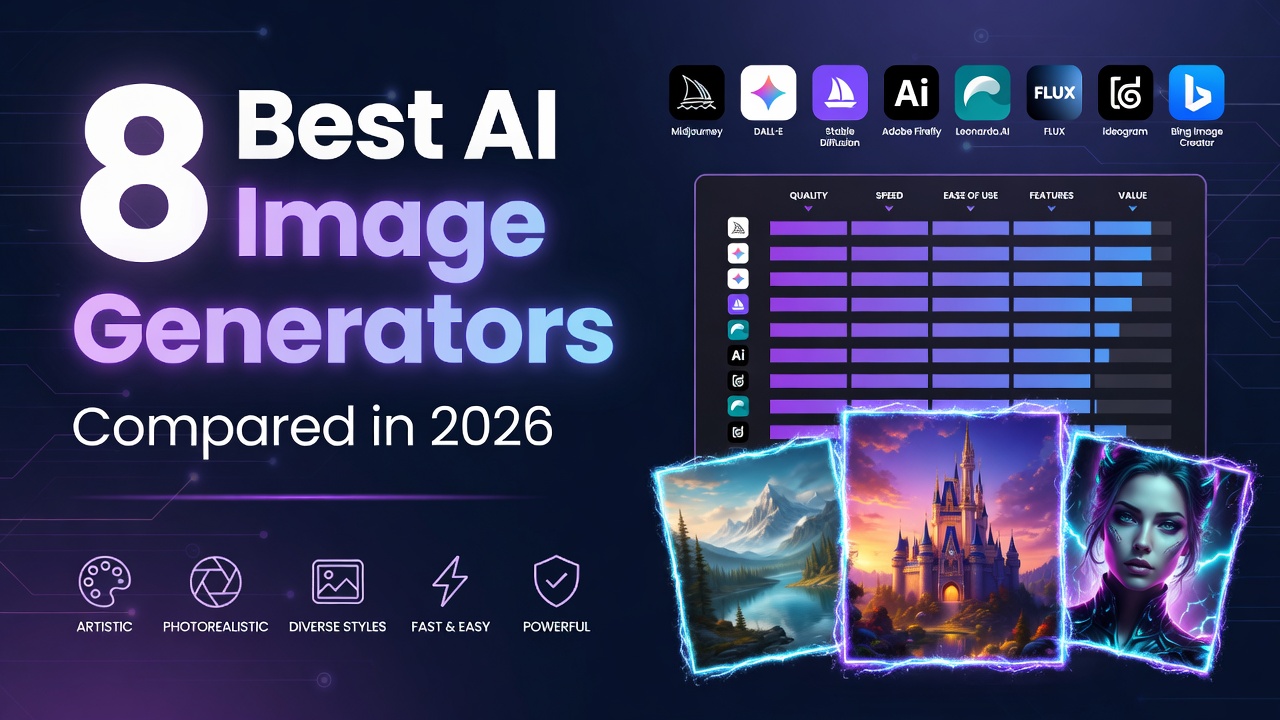
Midjourney v7 leads for aesthetic quality and artistic output. Flux Pro is best for text rendering in images. DALL-E 4 offers the most convenient access through ChatGPT. Stable Diffusion 4 provides maximum control for advanced users. Ideogram excels at design-oriented generation. Leonardo AI offers the best free tier for volume generation. Most tools range from free to 10-30/month for premium features.
Key Takeaways
- Midjourney v7 still leads on pure aesthetic quality and photorealism.
- Flux Pro (Black Forest Labs) is the best choice for text rendering inside images.
- Stable Diffusion 4 offers the most control and can run locally for free.
Best AI Image Generators Compared in 2026
Image generation is the most competitive AI category. Every major player produces photorealistic images. The battle has shifted to consistency, control, and speed.
Midjourney v7 — The Aesthetic King
Midjourney v7 remains the standard for artistic quality. Its coherence, photorealism, and prompt adherence are a step above everything else. Best for: photography-style images, brand visuals, concept art. $10/mo Basic.
Flux Pro — Best Text Rendering
Black Forest Labs’ Flux Pro excels where others struggle: rendering text inside images. Posters, social media graphics, and infographics with readable text. $0.04-0.05/image via API.
DALL-E 4 — Most Convenient
Integrated into ChatGPT. You iterate conversationally: describe changes, refine, get new versions. Best for: quick iterations, casual use. Included with ChatGPT Plus ($20/mo).
Stable Diffusion 4 — Most Control
Open-source and free. Runs locally on your hardware. Full control over every parameter. Best for: developers, researchers, anyone who wants complete creative control.
Ideogram — Best for Design
Best for logos, posters, and designs where text layout matters. Daily free credits available.
Gemini Nano Banana 2 — Best Free Option
Free inside Gemini. Fast, photorealistic, handles infographics. Generous daily limits.
Leonardo.ai — Best Free Tier for Volume
150 tokens daily. Sketch-to-image, real-time generation. Great for learning and experimentation.
Which Image Generator Should You Pick?
For professional visual work: Midjourney v7. For text-heavy designs: Flux Pro. For free experimentation: Leonardo.ai or Gemini. For maximum control: Stable Diffusion 4 locally.
Adobe Firefly — Best for Commercial Use
Adobe Firefly stands out because it is trained on licensed content, making it safe for commercial use without copyright concerns. It integrates directly into Photoshop, Illustrator, and Express, allowing designers to generate and edit images within their existing workflows. Firefly excels at generative fill, background replacement, and text effects. If you already use Adobe Creative Cloud, Firefly is the most seamless image generation option. Included with Creative Cloud subscription ($55/mo).
Canva Magic Media — Best for Non-Designers
Canva’s AI image generation is built for people who need decent visuals without design training. Magic Media generates images directly inside Canva’s design interface, so you can go from generation to finished design in one place. It also includes AI-powered background removal, image expansion, and style transfer. Free tier available with daily credits. Pro: $13/mo.
Real-World Applications by Industry
Different industries benefit from different AI image generators. E-commerce businesses use Midjourney and Flux Pro for product photography and lifestyle imagery. Marketing teams use DALL-E 4 and Canva for social media graphics and ad creatives. Game developers use Stable Diffusion for concept art and asset generation. Architects use Midjourney for visualization and mood boards. Graphic designers combine Adobe Firefly with traditional design tools for efficient creative production. Matching the tool to your specific use case is more important than choosing the overall best generator.
How to Get the Best Results from AI Image Generators
Prompt quality determines output quality. Be specific about subject, style, lighting, composition, color palette, and mood. Reference specific artists or styles when appropriate. Use negative prompts to exclude unwanted elements. Iterate: generate multiple variations, pick the best, and refine. Most professional users generate 20-50 images to get one that meets their standards. Learn the specific prompting syntax of each tool for optimal results.
The Future of AI Image Generation
AI image generation is advancing toward full creative control video, 3D, and interactive media. By 2027, expect tools that generate consistent characters across multiple scenes, edit specific elements without regenerating the entire image, and produce commercially viable video from still images. The technology is progressing faster than most industries can adapt, creating a growing advantage for early adopters who integrate AI image generation into their creative workflows now.
Ethical Considerations and Copyright Concerns
AI image generation raises important copyright and ethical questions. Training data often includes copyrighted artworks without consent, leading to lawsuits from artists and publishers. Some tools like Adobe Firefly are trained on licensed content, making them safer for commercial use. Midjourney and Stable Diffusion face ongoing legal challenges. When using AI-generated images commercially, research the legal status in your jurisdiction, keep records of your generation prompts and dates, and avoid generating images that mimic specific living artists or copyrighted characters. The legal landscape is evolving rapidly, and what is acceptable today may change with future court rulings or legislation.
Advanced Techniques for Professional Results
Professional users employ several techniques to get consistent, high-quality results from AI image generators. Use seed values to reproduce exact images with modifications. Combine multiple tools: generate a base image in Midjourney, refine details in Stable Diffusion, edit in Photoshop with Firefly. Build a library of effective prompts organized by subject, style, and mood. Use image-to-image features to maintain visual consistency across a series. Learn the advanced parameters of your chosen tool: aspect ratios, style weights, CFG scales, and sampling methods all significantly affect output quality.
If you create D&D or fantasy art, see our dedicated guide to the best DND image generators in 2026 for characters, creatures, battle maps, and campaign visuals.
AI Image Generators Comparison Table
| Tool | Best For | Key Strength | Starting Price | Free Tier |
|---|---|---|---|---|
| Midjourney v7 | Aesthetic quality | Artistic output, style consistency, in-painting | 10/mo | No |
| Flux Pro | Text rendering | Best at generating readable text in images | 12/mo | Limited |
| DALL-E 4 | Convenience | Integrated with ChatGPT, easy to use | 20/mo (ChatGPT Plus) | No |
| Stable Diffusion 4 | Control & customization | Open source, fine-tuning, local deployment | Free (self-hosted) | Yes |
| Ideogram | Design | Best for logos, typography, and design assets | Free | Yes |
| Leonardo AI | Free volume generation | 150 free credits/day, real-time generation | Free | Yes |
How to Choose the Right AI Image Generator
Selecting the right image generator depends on your use case. For artistic and creative projects, Midjourney v7 produces the best-looking images. For designs requiring text like logos and posters, Flux Pro and Ideogram lead. For maximum control and customization, Stable Diffusion 4 allows local deployment and fine-tuning. For convenience and integration with other AI tools, DALL-E 4 via ChatGPT is the easiest option. For high-volume needs on a budget, Leonardo AI free tier is unmatched. Most professionals use two or more tools for different types of projects. For more on creative AI tools, see our guide to AI content creation and AI video generators comparison.
Frequently Asked Questions
What is the best AI image generator?
Midjourney v7 produces the highest quality artistic images. DALL-E 4 is most convenient. Stable Diffusion 4 offers the most control.
Can AI generate images with text?
Yes. Flux Pro is the best for generating readable text in images. Ideogram also excels at typography and design assets with text.
What is the best free AI image generator?
Leonardo AI offers the best free tier with 150 credits/day. Stable Diffusion 4 is completely free if you have the hardware to run it locally.
Can AI generate images from my photos?
Yes. Midjourney uses image references for style consistency. DALL-E 4 and Stable Diffusion support image-to-image generation and editing.
Can I use AI-generated images commercially?
Most tools permit commercial use, but terms vary. Midjourney requires a paid plan for commercial rights. Check each tool license terms before commercial use.
