Quick Answer: The Best No-Code AI App Builders in 2026
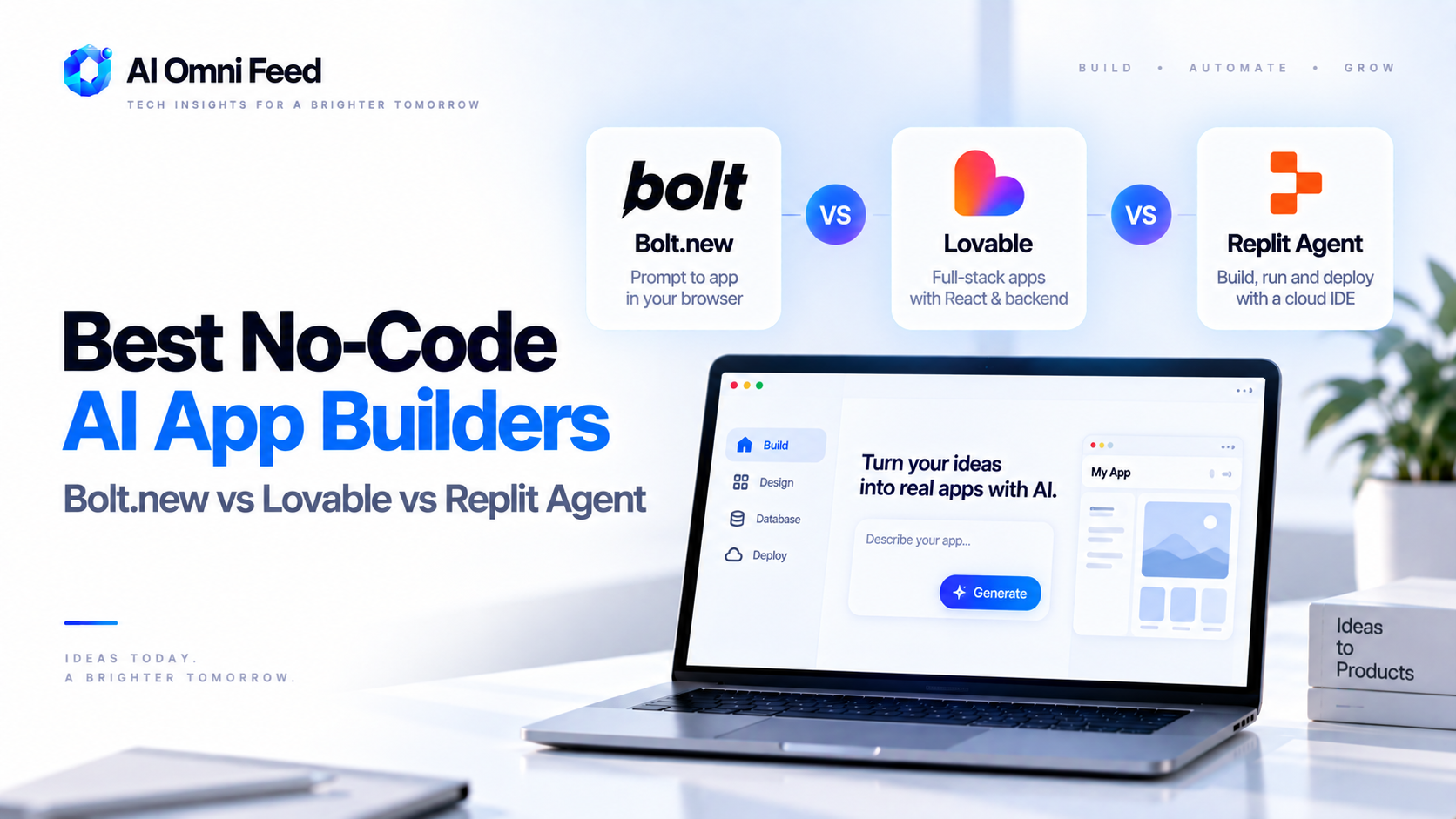
The best no-code AI app builders in 2026 are Bolt.new for full-stack web apps from a single prompt, Lovable for polished frontend and UI-heavy projects, Replit Agent for building and deploying complete apps in one browser tab, and Vercel v0 for production-grade React components and landing pages. Bolt.new is the best overall pick – it handles the full stack (frontend, backend, database, deployment) from a natural language description, and you can iterate conversationally without touching a terminal. Lovable is the best for design-focused projects where visual polish matters most. This guide breaks down each tool, real pricing, how they compare, and when each one actually makes sense for your project.
Why No-Code AI App Builders Are a Real Category in 2026
A year ago, AI code generators were toys for prototyping. In 2026, they’re production tools. The reason is simple: the underlying models (GPT-5.6, Claude Sonnet 5) have gotten good enough to generate working full-stack code, not just snippets. Tools like Bolt.new and Lovable take that capability and wrap it in an interface that requires zero terminal knowledge – you describe the app, the AI builds it, and you deploy with one click. For MVPs, internal tools, landing pages, and startup prototypes, the time from idea to live app has collapsed from weeks to hours. See our AI business tools stack for where this fits in the broader tool landscape.
The Top No-Code AI App Builders Compared
| Tool | What It Builds | Pricing | Best For |
|---|---|---|---|
| Bolt.new | Full-stack web apps (React, Next.js, databases) | Free tier; Pro from $20/mo | Full-stack MVPs, SaaS prototypes, CRUD apps |
| Lovable | Frontend-heavy web apps, polished UIs | Free tier; Pro from $20/mo | Design-forward projects, landing pages, dashboards |
| Replit Agent | Complete apps with built-in hosting | Free tier; Core $25/mo | Beginners, quick prototypes, learning projects |
| Vercel v0 | React components and landing pages | Free tier; Pro $20/mo | Production React, component libraries, marketing pages |
| Cursor (with agent) | Any codebase with full editor control | Free tier; Pro $20/mo | Developers who want AI assistance, not AI generation |
Bolt.new: The Best Full-Stack No-Code AI Builder
Bolt.new generates entire full-stack applications from a text prompt. Describe what you want – “a task management app with user auth, a dashboard, and a PostgreSQL database” – and it scaffolds the frontend, backend, database schema, and deployment configuration in one pass. You can then iterate conversationally: “add a search filter to the task list” or “change the color scheme to dark mode.” The result is a real, deployable project you can push to Netlify or Vercel from inside the editor.
The strength of Bolt.new is scope. It handles the full stack in a way that feels like talking to a developer, not a code generator. The limitation is that very complex business logic or highly custom backend workflows sometimes require manual intervention. For most MVPs and prototypes, it’s more than sufficient. For a detailed look at the AI agents behind tools like this, see our guide on how to build AI agents in 2026.
Lovable: Best for Design and Frontend Polish
Lovable focuses on frontend quality. Where Bolt.new prioritizes full-stack completeness, Lovable prioritizes visual polish – the kind of result that looks like a professional designer spent a week on it. For projects where first impressions matter (client-facing tools, product demos, landing pages), Lovable consistently produces more attractive output. It also generates clean, well-structured React code that’s easy to hand off to a developer later if needed.
Lovable’s weakness is backend depth. It handles APIs and basic data management but isn’t built for complex server-side logic. Pair it with a separate backend (Supabase, Firebase) if your project needs one.
Replit Agent: The Easiest Starting Point
Replit Agent is the most beginner-friendly option. You describe the app, it builds it, and it runs in the same browser tab – no local setup, no deployment configuration. For first-time builders, students, or anyone who wants to go from idea to running app without understanding infrastructure, Replit Agent is the fastest path. It supports Python, JavaScript, and several other languages, and handles deployment automatically.
The trade-off is control. Replit Agent makes decisions for you about architecture and dependencies, and editing the generated code inside Replit’s interface is less flexible than a proper IDE. It’s excellent for learning and prototyping, less ideal for production apps you’ll maintain long-term.
Vercel v0: Best for Production-Grade React
v0 generates React components and full pages using shadcn/ui and Tailwind, optimized for deployment on Vercel. It’s less of an “app builder” and more of a “production component generator” – the output is clean, accessible, and deployment-ready in a way that’s hard to beat if you’re building with the Vercel/Next.js stack. For marketing pages, dashboards, and component libraries, v0 produces the most deployment-ready code of any tool on this list.
The limitation: v0 is frontend-only. It won’t generate a backend or database. It’s a component builder, not an app builder, despite the marketing.
When to Use Each Tool (Decision Framework)
- Full-stack MVP or SaaS prototype: Bolt.new handles frontend, backend, and database in one workflow.
- Design-forward project where visuals matter: Lovable produces the best-looking output.
- First-time builder or learning project: Replit Agent has the lowest barrier to entry.
- Production React components or landing page: v0 generates deployment-ready React with shadcn/ui.
- Need AI help but want full editor control: Cursor’s agent mode gives you AI assistance inside a real IDE.
- Internal tool or admin dashboard: Bolt.new or Lovable + Supabase covers most cases.
What “No-Code” Actually Means in 2026
None of these tools are truly “no-code” in the traditional sense. They all generate real code (React, Next.js, Python) – you just don’t have to write it yourself. The difference matters: the output is portable, debuggable, and maintainable by a human developer if needed. That’s a meaningful improvement over old no-code platforms where your project was locked inside a proprietary system. In 2026, “AI app builder” is more accurate than “no-code” – the AI writes the code, you describe what you want.
FAQs About No-Code AI App Builders
Can I build a real business with a no-code AI app builder?
Yes. Bolt.new and Lovable produce real, deployable applications with databases and authentication. Many startups in 2026 launch their MVPs with these tools before hiring a developer for scale.
Are no-code AI app builders free?
All offer free tiers with limited usage. Bolt.new and Lovable start at $20/mo for Pro, Replit Agent at $25/mo for Core. For serious projects, expect $20-30/mo minimum.
Do I need to know how to code to use these tools?
No. These tools are designed for non-developers. You describe what you want in plain English and the AI generates the code. Some basic understanding of how web apps work helps, but it’s not required.
Can I export the code from Bolt.new or Lovable?
Yes. Both generate real code (React, Next.js) that you can download, modify, and deploy anywhere. You’re not locked into their platform.
What’s the difference between an AI app builder and a traditional no-code tool?
Traditional no-code tools (Bubble, Webflow) use drag-and-drop editors and lock you into their ecosystem. AI app builders generate real, portable code that you own and can deploy anywhere. AI app builders are also faster – one prompt can replace hours of drag-and-drop work.
