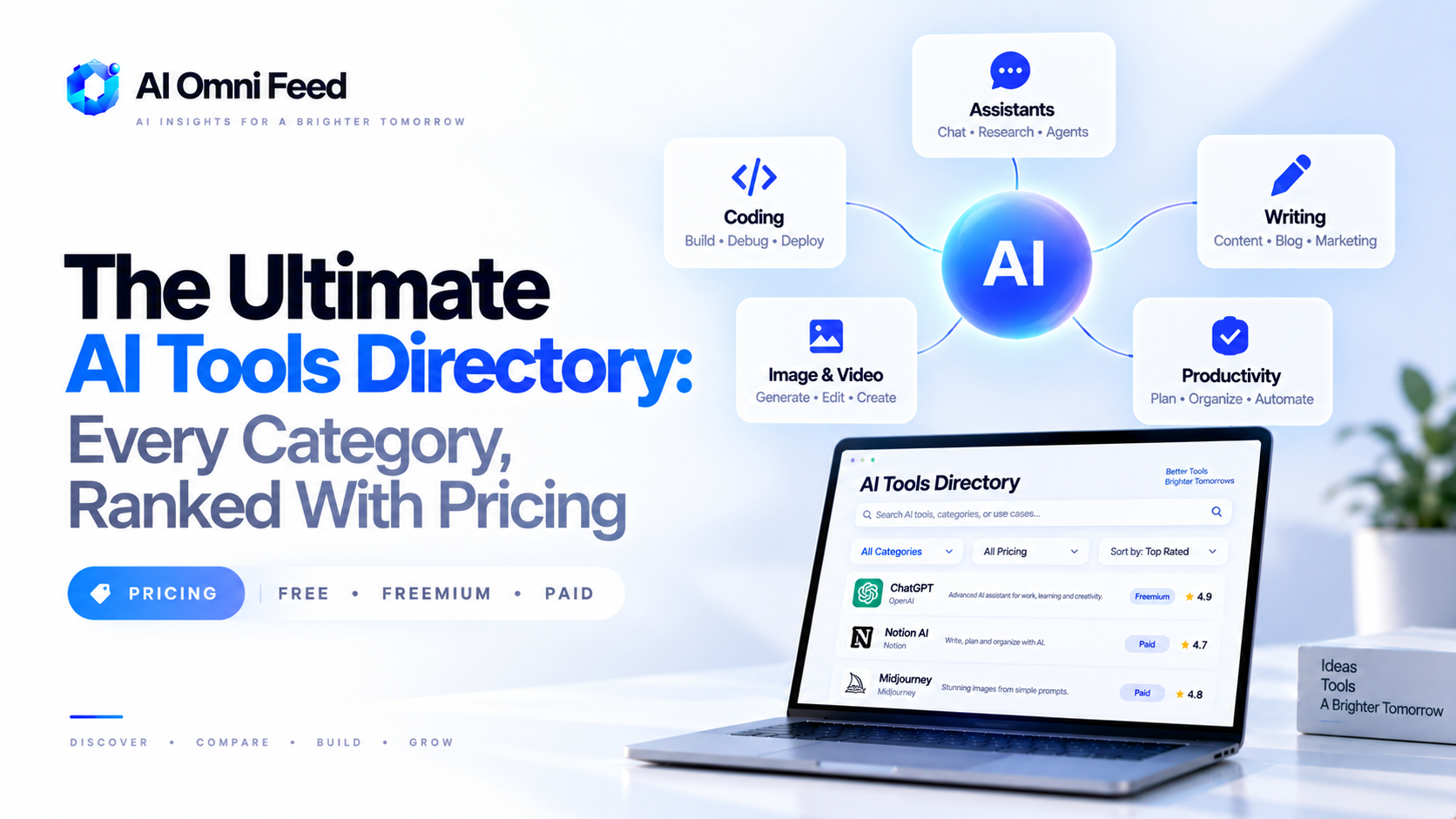
Quick Answer: This Is the Master AI Tools Directory for 2026
Welcome to the AI Omni Feed AI tools directory – a living master list of the best AI tools in 2026, organized by category, with real pricing and a plain-English verdict for every pick. This is the hub for our full catalog of hands-on comparisons and buyer guides. If you’re starting from scratch, the pattern is simple: pick the category that matches the work you want to offload, read the specific guide, and start with the tool we recommend for your situation. Every entry below links to the detailed comparison, so you can go as deep as you need. For the business-level view of how all of this fits together, start with our AI business tools stack.
Coding and Developer Tools
AI in 2026 writes a meaningful share of everyday code. The two questions that matter most are which assistant fits your workflow and whether you need autocomplete, agentic refactors, or both.
- Cursor vs Codex vs Copilot vs Claude Code – The flagship four-way comparison. Start here to pick a primary coding assistant.
- OpenAI Codex vs GitHub Copilot – A focused head-to-head on the two most popular assistants, including agent mode.
- GitHub Copilot Pricing – Every Copilot plan, credit, and hidden cost explained.
- Codex Download & Setup Guide – Hands-on installation and configuration steps.
- Codex Mobile Review – What the mobile coding experience is actually like.
- Best AI Coding Tools – Broader list including Windsurf and other editors.
Writing and Content Creation
AI writing tools now produce drafts that most readers can’t distinguish from human work, so the differentiation is in workflow, brand voice, and output control.
- Best Free AI Writing Tools – The strongest free options for blogs, marketing copy, and student work.
- Best AI Essay Writing Tools – Tools that handle structure, citations, and long-form research writing.
- Best AI Writing Tools Compared – A full-field comparison of the paid premium options.
Conversation, Chat, and Customer Service
Chat assistants handle everything from everyday questions to front-line customer conversations, and voice is increasingly part of the stack.
- Best AI Chat Apps – The Apps vs ChatGPT vs Claude vs other chat platforms ranked.
- Big Model Comparison – The four main model families benchmarked and compared with pricing.
- ChatGPT vs Grok – A focused comparison including the EU availability caveat.
- AI Phone Answering for Small Businesses – Smith.ai, Goodcall, and OpenPhone for keeping every call answered.
Productivity, Scheduling, and Operations
The most measurable ROI in small business AI comes from the daily operations layer: scheduling, tasks, and business tooling.
- Best AI Scheduling Assistants – Motion, Reclaim, and Calendly for appointment-heavy workflows.
- Best AI Productivity Tools – The general-purpose productivity picks for 2026.
- The AI Business Tools Stack – The complete category map for a modern SMB, from CRM to invoicing.
App Building and No-Code Development
Non-developers in 2026 ship real applications. The no-code AI builder category has matured from prototype toys to production tools.
- Best No-Code AI App Builders – Bolt.new, Lovable, Replit Agent, and v0 compared.
- How to Build AI Agents in 2026 – The beginner path to the new agent SDKs.
- Automating Repetitive Tasks With AI – A practical workflow guide for first automation builds.
Marketing and Analytics
Marketing and data were two of the first categories where AI delivered clear, measurable ROI. Both categories now have dedicated guides and mature tools.
- Best AI Marketing Tools – The complete 2026 marketing stack across five categories: content, SEO, and campaign management.
- Best AI Data Analytics Tools – Hex, Databricks Genie, Excel Copilot, Julius AI, and Tableau Pulse compared.
Models, Research, and Understanding AI
If you want to understand the technology itself – the models, the companies, the economics – these guides explain what matters in 2026.
- The AI Model Comparison – Flagship models benchmarked.
- What Is an AI Assistant in 2026? – The beginner’s guide to what AI assistants are and how they work.
- The OpenAI IPO Strategy – What the 5% government stake actually means.
What This Directory Tells You About the 2026 AI Market
A few patterns are worth noting before you start picking tools. First, pricing has settled into a remarkably uniform shape: most serious tools sit at $20-25/mo (ChatGPT Plus, Copilot Pro, Bolt.new, OpenPhone), a smaller tier runs $25-30/mo for agent-heavy products (Replit Core, SuperGrok, heavier Pro tiers), and the premium/service tiers reach $75-300/mo (Tableau Creator, Smith.ai reception, Cursor Teams, and $200/mo at the very top). That means cost is rarely the deciding factor – the difference between $20 and $25/mo is trivial compared with the productivity difference between the right and wrong tool.
Second, integration beats raw capability. The tools that win adoption aren’t always the most powerful – they are the ones embedded where work already happens: Copilot inside VS Code and Excel, Calendly inside your calendar, Reclaim inside Slack, v0 inside the Vercel workflow. When you compare tools, weight “does it fit my existing workflow” as heavily as “is it more capable.” See our scheduling guide for a concrete example of how integrations drove our picks: best AI scheduling assistants.
Third, the free tiers are deliberately limited to create upgrade pressure, so budget zero for free tools and plan on $20/mo per serious adoption. Finally, categories are converging: chat assistants now write, writing tools now chat, and code assistants now build apps. Our recommendations split the difference by choosing tools at the intersection of the specific job and the existing workflow, rather than the largest feature list. Start with one category, run the pick for two weeks, and rotate back here for the next one – this directory is meant to be used one category at a time, not all at once.
How to Use This Directory
Don’t read everything. Pick the one category that matches the work you want to offload this month, and read the guide we mark as the starting point. Adopt the single recommended tool, run it for a week, and only then consider adding a second tool from the same category. Most people who fail at AI adoption fail by adopting five tools at once; the ones who succeed stack tools one category at a time. Bookmark this page – it’s updated as we publish new guides, so it will grow throughout the year.
FAQs About the AI Tools Directory
What is the best AI tool overall in 2026?
There is no single best tool. The right pick depends on the category – ChatGPT or Claude for general chat, Cursor or Copilot for coding, Bolt.new for building apps, and category-specific picks for marketing, scheduling, and analytics. Use the directory by category, not by all-purpose ranking.
Are the tools in this directory free?
Most tools have a free tier, but the practical versions cost money: Copilot Pro $20/mo, ChatGPT Plus $20/mo, Bolt.new Pro $20/mo, Smith.ai from ~$300/mo for phone answering. The guides list exact pricing per plan.
How often is this directory updated?
As new guides publish, this directory is updated to include them. New model releases (GPT-5.6, Gemini 3.5) cause pricing and capability refreshes across the affected categories.
Can I use this directory for my team?
Yes. Share it with anyone evaluating AI tools. Each category guide includes a decision framework, so team members can arrive at consistent tool choices rather than picking tools ad hoc.
How do I know which category I need?
Describe the work you do most often, then match it to a category: writing, coding, chat/customer service, scheduling/operations, app building, marketing, or data analytics. If you’re unsure, start with the AI business tools stack (linked above) for the SMB-level overview.
