
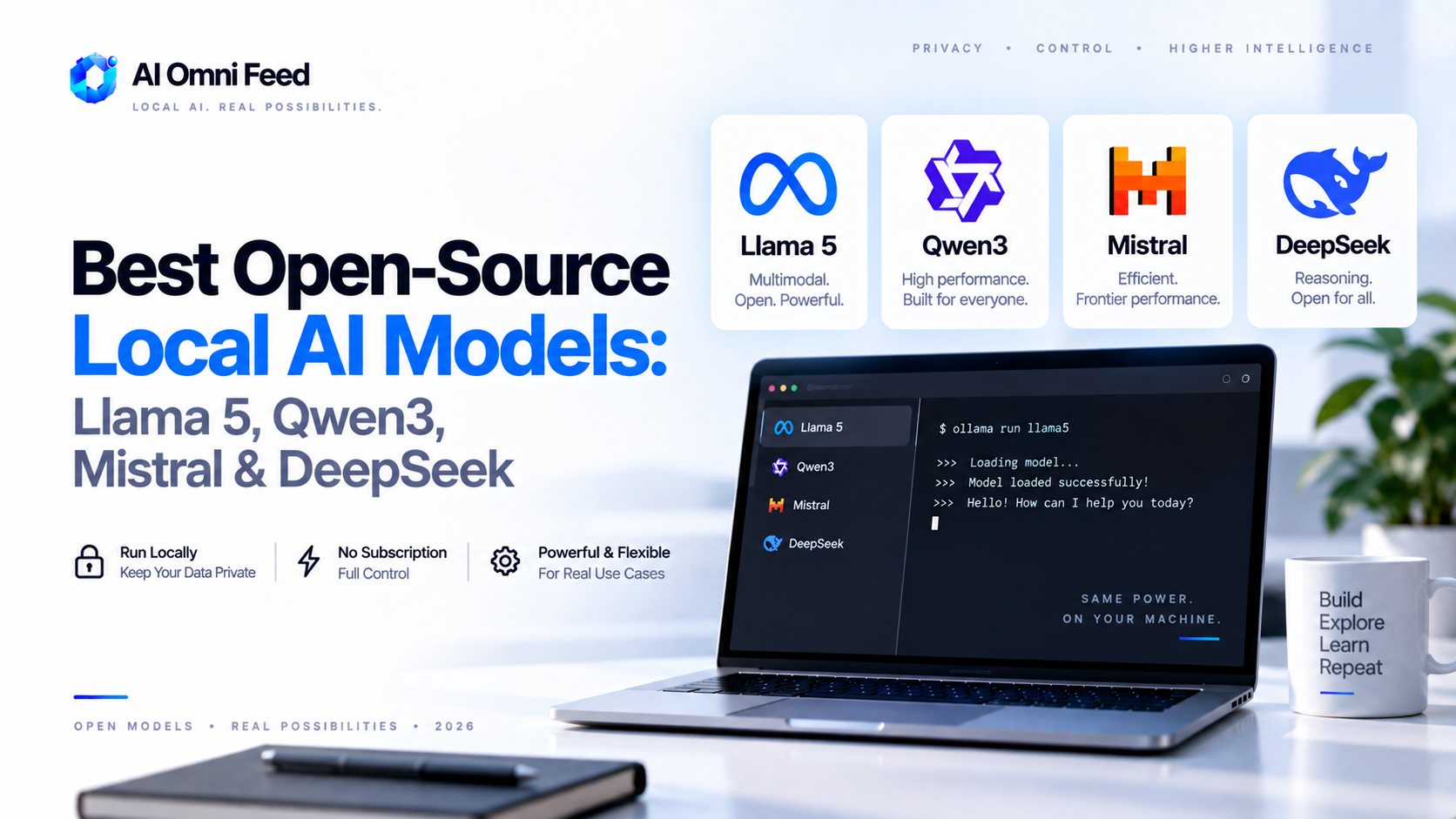
Quick Answer: The Best Open-Source Local AI Models in 2026
The best open-source local AI models in 2026 are Llama 5 (Meta) for the strongest all-round performance you can self-host, Mistral Large 3 for efficiency and multilingual strength, Qwen3-235B (Alibaba) for coding and reasoning, and DeepSeek-V3.5 for the best math/science capability in an open-weight model. Llama 5 is the best overall pick – it runs at good quality on a single workstation, has the largest ecosystem of tools and quantization support, and supports agentic workflows that closed models largely gate behind their own platforms. If you need something that runs on a laptop without a GPU, Llama 5 (8B or 70B quantized) and Qwen3 (smaller variants) are the practical choices. This guide covers the model landscape, hardware requirements, what “open source AI” actually means in 2026, and how to get started self-hosting.
What “Open Source AI” Really Means in 2026
The term “open source” is looser in AI than in software. True open models ship with open weights (the trained parameters you can run yourself) and, in the best cases, open training data and code. Meta’s Llama and Alibaba’s Qwen are the most open-practical option: weights are freely downloadable, you can fine-tune and commercialize, but training data is not always disclosed. DeepSeek publishes its weights and technical report with unusual openness. What all open models share in 2026: you can download them, run them entirely offline, integrate them into your own product at no per-token cost, and keep your data 100% private. That combination is why local models matter for businesses with confidential data or strict compliance rules. For a wider view of how models fit your stack, see our AI business tools stack.
The Best Open-Source Models Compared
| Model | Best At | Rough Hardware Need | License |
|---|---|---|---|
| Llama 5 (Meta) | All-round quality, agentic tasks, ecosystem | 8B ~12GB VRAM; 70B ~48GB; 405B cluster | Open weights, permissive commercial |
| Qwen3-235B (Alibaba) | Coding, reasoning, multilingual | 235B needs multi-GPU; smaller variants easy | Apache 2.0 (most variants) |
| Mistral Large 3 | Efficiency, multilingual, enterprise | 123B multi-GPU; smaller models fast | Apache 2.0 |
| DeepSeek-V3.5 | Math, science, cost-efficient training | 671B with MoE; manageable via MoE | Open weights, permissive |
Llama 5: The Best Overall Open Model
Llama 5 is the default answer for most local AI needs. At 8B and 70B it covers the practical range: the 8B runs on a single consumer GPU or even high-end laptops (with quantization), while the 70B needs one or two workstation GPUs like a 48GB RTX 6000-class card. Meta emphasizes agentic tool use and on-device performance in this generation, so Llama 5 works with common agent frameworks out of the box – a key advantage if you want to build autonomous workflows locally.
The ecosystem is also why Llama wins for most people. Largest quantization support, most third-party tools, best documentation, and the broadest hardware compatibility. Whether you use Ollama, LM Studio, or vLLM, Llama 5 is the first-class citizen. The trade-off: Meta’s models are more “open weights” than fully open source – you can commercialize, but you don’t get the training data.
Qwen3: The Coding and Reasoning Specialist
Alibaba’s Qwen3 line is the strongest challenger, particularly the smaller variants that fit comfortably on consumer hardware with surprisingly good coding and reasoning performance. Qwen3-235B, the flagship, targets frontier-level capability on math, reasoning, and especially code generation, and it’s released under Apache 2.0 for most variants – the most permissive major license on this list, meaning you can truly take it, modify it, and ship it in a product without friction.
The practical downside is that the flagship model is heavy to run. For real deployment you’ll typically use one of the distilled or smaller Qwen3 sizes (2B to 32B), which are excellent value per hardware dollar and especially strong at code autocomplete and structured output.
Mistral Large 3: Efficiency and Multilingual Strength
Mistral’s Large 3 is the enterprise-conscious pick: Apache 2.0 licensed, efficient at inference, and notably strong across European languages. It lags the absolute top of the frontier on creative writing and some agentic benchmarks but matches or beats Llama on structured tasks, enterprise use cases, and multilingual content. For European businesses, Mistral is also the player whose model licensing is cleanest for commercial embedding – fewer caveats than Meta’s open-weights approach.
DeepSeek-V3.5: Math, Science, and Cost Leadership
DeepSeek’s V3.5 uses a mixture-of-experts (MoE) architecture that keeps active parameters low while storing a huge total (671B), which makes it heavy on storage but efficient at inference. It leads open models on math and science benchmarks and is the strongest argument that open models can trail frontier closed models by only a small margin. Its API pricing and permissive weight licensing have also forced commercial pricing down across the industry – the dynamic that keeps closed-model pricing in check.
How to Decide Based on Hardware
- 16GB RAM laptop, no GPU: Llama 5 8B (4-bit quantized) or Qwen3 4-7B via Ollama is your practical ceiling.
- Consumer GPU (8-12GB): Llama 5 8B or Qwen3-14B at reasonable speed, good quality for chat and code.
- Workstation GPU (24-48GB): Llama 5 70B or Mistral Large 3 in lower precision – near-frontier quality.
- Multiple GPUs / server: Qwen3-235B or DeepSeek-V3.5 for flagship-level open performance.
- Production API serving: vLLM with any of these in FP8/4-bit for cost-efficient throughput.
Getting Started in an Hour
The fastest path is Ollama: install it, run ollama run llama5:8b (or the model you need), and you have a local model with an OpenAI-compatible API in minutes. LM Studio is the best GUI option on desktop for trying quantized models without touching a terminal. For anything beyond a single session – serving to a team or embedding in a product – use vLLM for production throughput, or llama.cpp for single-node deployment. All three tools are free, and the models themselves are free to download and run. The only real cost is hardware.
When to Choose a Local Model vs a Cloud Model
Local models win on privacy, zero per-token cost, offline capability, and data control – essential if you handle medical, legal, or financial data that can’t leave your machines. Cloud models (GPT-5.6, Claude, Gemini) still win on absolute quality, context length, and polish for most business users. The pragmatic 2026 strategy: run a local model for routine, sensitive, or high-volume work, and keep a cloud subscription for the tasks that need the best model. This hybrid saves money and gives you control where it matters.
FAQs About Open-Source Local AI Models
Can I run an open-source model on my laptop?
Yes. Llama 5 8B and the smaller Qwen3 variants run on 16GB RAM laptops when quantized. For smooth performance you’ll want a GPU, but basic chat and coding work on CPU-only with patience.
Are open-source models really free? No hidden charges?
The models are free to download and run; inference costs only your hardware’s electricity. There are no per-token fees. You may pay for a hosting provider if you use one, but self-hosting is free.
How do open models compare to GPT-5.6 and Claude in 2026?
Llama 5, Qwen3, and DeepSeek trail the flagship closed models on the hardest tasks but are within 5-15% on most benchmarks, and the gap narrows further with quantization and fine-tuning. For routine work, they’re easily good enough.
Is using an open model legal for commercial products?
Yes for Llama 5 (open weights, commercial use allowed), Qwen3 (Apache 2.0 for most variants), Mistral Large 3 (Apache 2.0), and DeepSeek (permissive). Check the specific license of the model you pick; some new variants have conditions.
What’s the best tool to run open models locally?
Ollama for convenience, LM Studio for a desktop GUI, llama.cpp for single-node deployment, and vLLM for production API serving. All are free and support the major open models.
