Key Takeaways
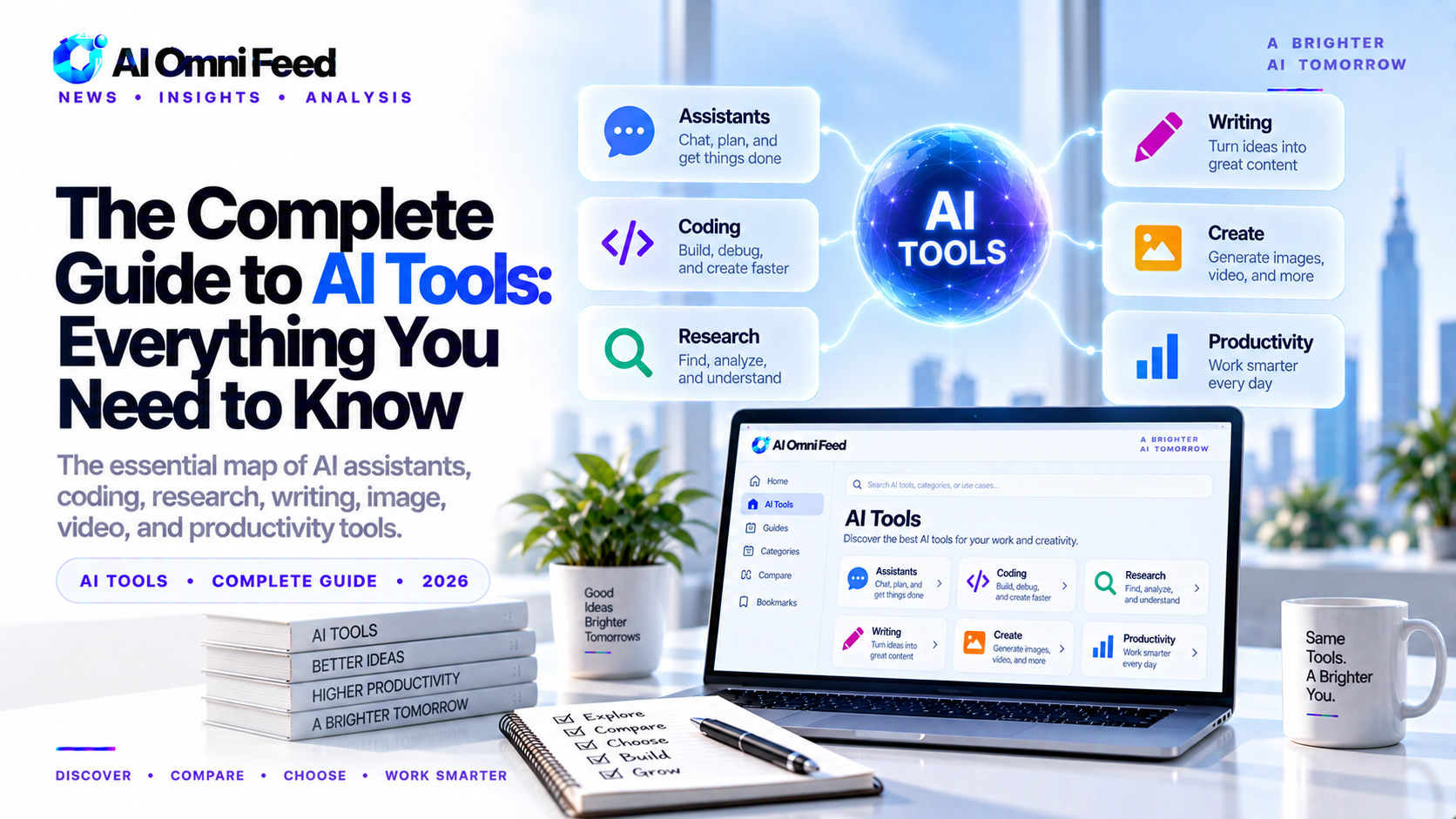
- The AI tool market in 2026 has matured into distinct categories: general assistants, search and research, coding, image generation, video, audio, productivity, and enterprise infrastructure.
- Most knowledge workers need only 3-5 tools, not 20. A quality stack costs approximately $50-150 per month depending on role.
- Open-source models are now within 5-10% of frontier closed models on most benchmarks, making local and private AI a viable option for the first time.
- Picking the right AI tools depends on your specific workflow, not on which model is “best” in benchmarks.
What Are the Best AI Tools in 2026?
The AI tool landscape has transformed. In 2024 you asked “which AI should I try?” In 2026 you ask “which AI should I buy?” The market has separated into clear categories with distinct winners. A small set of tools dominates everyday work for knowledge workers, while another layer of infrastructure tools runs behind serious AI products. This guide covers both halves: the tools most people need, and how to choose the ones right for you.
The most important trend is the separation of layers. Assistants, search, coding, creative, and infrastructure have become distinct categories. The tools that try to do everything are losing to the tools that do one thing exceptionally well and integrate cleanly with the rest of the stack.
Best AI Assistants: ChatGPT vs Claude vs Gemini
Your primary assistant is the anchor of your AI stack. Everything else you add should complement this choice, not duplicate it.
ChatGPT (GPT-5.5) — Best All-Round Assistant
ChatGPT remains the broadest and most versatile general assistant. It handles text generation, image creation via DALL-E 4, voice conversations, real-time web browsing, code execution, file analysis, and a growing plugin ecosystem. If you need one tool that can do everything reasonably well, ChatGPT is the default choice. Free tier available. Plus: $20/mo. Pro: $200/mo.
Claude (Opus 4.8) — Best for Writing and Analysis
Claude leads on long-form writing, nuanced analysis, deep reasoning, and complex coding tasks. Its 1 million token context window means it can ingest entire books or large codebases in a single conversation. Claude Code, its terminal-based coding agent, scores the highest on SWE-bench among commercial tools. Claude excels where depth matters more than breadth. Free tier available. Pro: $20/mo. Max: $200/mo.
Gemini 3.5 — Best for Multimodal and Google Integration
Gemini wins on multimodal input and native Google Workspace integration. Its 2 million token context window is the largest of any mainstream model. Gemini can process video, images, audio, and documents natively and is deeply integrated with Gmail, Docs, Sheets, and Drive. The AI Mode in Google Search brings Gemini-powered answers directly into search results. AI Pro: $19.99/mo.
Best AI Search and Research Tools
Standard search engines are being supplemented by AI-powered research tools that provide direct answers with source citations. These are essential for anyone who makes decisions based on external information.
Perplexity Pro — The Research Engine Leader
Perplexity is the cleanest answer-engine on the market. Every response includes inline citations from real-time web searches, making it the most trustworthy option for fact-checking and research. The Pro tier ($20/mo) gives you access to GPT-5, Claude, and Gemini models, unlimited file uploads, and deeper search capabilities. Best for: knowledge workers, journalists, researchers, and anyone who needs sourced answers daily.
Google AI Mode
Google’s AI Mode integrates Gemini 3.5 directly into Google Search results. You get AI-generated answers alongside traditional blue links. Free with Google account.
NotebookLM
NotebookLM lets you upload your own documents (PDFs, websites, audio) and turns the AI into an expert on only your materials. It cannot hallucinate about outside sources. It can also generate podcast-style audio summaries of your documents. Free, up to 50 documents per project.
Consensus
Consensus searches over 200 million academic papers and shows a Consensus Meter indicating whether most studies agree or disagree on a question. Essential for scientific and academic research. Free tier available.
Best AI Coding Tools
AI coding has evolved from inline autocomplete to full agentic development. The gap between developers using these tools and those who are not is now a chasm.
Cursor — The AI-Native IDE
Cursor is the dominant AI-native IDE in 2026. Its agent mode plans multi-file changes, runs your test suite, and iterates until tests pass. The Composer panel lets you describe entire features and watch them materialize across your codebase. Cursor supports Claude, GPT, and Gemini models interchangeably. Hobby: free. Pro: $20/mo.
Claude Code — The Terminal Powerhouse
Claude Code operates directly in your terminal. It reads your entire repo, plans changes, writes code, runs tests, and makes git commits. It holds the highest SWE-bench score of any commercial tool. Best for developers who prefer terminal workflows and need an agent that handles complex multi-step engineering tasks. Requires Claude Pro ($20/mo) or API access.
GitHub Copilot — The Team Standard
GitHub Copilot remains the default for professional teams because it is embedded where developers already work: GitHub, VS Code, JetBrains, CLI, and pull requests. Its agent mode can handle issues autonomously. Free tier: 2,000 completions and 50 chat requests per month. Pro: $10/mo.
Best AI Image Generators
Image generation is the most competitive AI category. Every major player now produces photorealistic images. The battle has shifted to consistency, control, and speed.
Midjourney v7 — The Aesthetic Standard
Midjourney v7 still produces the most visually stunning AI-generated images. Its aesthetic quality, coherence, and prompt adherence are unmatched for photography-style images and brand visuals. The Discord interface can be awkward, but the results speak for themselves. Basic: $10/mo. Standard: $30/mo.
Flux Pro — Best Text-in-Image
Black Forest Labs’ Flux Pro excels where others struggle: rendering readable text inside images. Posters, social media graphics, and infographics with proper typography. Pay-per-image via API.
DALL-E 4 — Most Convenient
Integrated into ChatGPT. You iterate conversationally — describe changes, get new versions, refine. Best for quick iterations. Included with ChatGPT Plus ($20/mo).
Stable Diffusion 4 — Maximum Control
Open-source and free. Runs locally on your hardware. Full control over every parameter. Best for developers and anyone who needs unlimited generations without recurring costs.
Best AI Video and Audio Tools
AI video generation has made its biggest leap in 2026. Broadcast-quality footage is now achievable from text prompts.
Kling 2.0
Leads on motion coherence and physics accuracy. Characters maintain identity across scenes. Free tier available. Standard: $8/mo.
Runway Gen-4
Best creative controls: motion brush, camera controls, Act-One lip sync. Standard: $12/mo.
ElevenLabs
The standard for AI voice generation. Natural breath, pauses, intonation. Voice cloning, multilingual dubbing, voice agents. Free tier: 10,000 characters/mo.
Suno
AI music generation from text prompts. Full songs with lyrics, vocals, and instrumentation. Free tier available. Pro: $10/mo.
Best AI Productivity Tools
Beyond the headline assistants, a layer of productivity tools has emerged to handle specific workflows.
- Notion AI ($10/member/mo) — AI-powered docs, wikis, and project management. Summarizes pages, generates drafts, answers questions across your knowledge base.
- Grammarly ($12/mo) — AI writing assistance across tone, clarity, and correctness. Catches what general assistants miss.
- Otter.ai ($17/mo) — Real-time meeting transcription and summarization. Integrates with Zoom, Google Meet, Teams.
- Motion ($19/mo) — AI auto-schedules tasks into your calendar based on priority. Adjusts dynamically when meetings shift. Compare task management tools
- Zapier AI ($20/mo) — Connects 6,000+ apps with AI-powered automation. Describe what you want in plain English.
- Fireflies.ai ($10/mo) — Meeting intelligence: records, transcribes, searches conversations, tracks action items.
Best AI Agent and Infrastructure Tools
For developers and teams building production AI systems, the infrastructure layer is just as important as the front-end tools.
- OpenAI Agents SDK (free) — Best for beginners building their first agent.
- Anthropic Agent SDK (free) — Best for complex enterprise multi-agent workflows.
- Google ADK (free) — Best for multimodal agents with video and image understanding.
- LangGraph (free) — Open-source framework for granular agent execution control.
- Pinecone (from $50/mo) — Managed vector database for production retrieval.
- Hugging Face (free tier) — The hub for open models, datasets, and community.
- Ollama (free) — Run open models locally on your hardware.
How Much Does an AI Stack Cost?
Here is what realistic AI stacks cost by role in 2026:
- Writer or marketer: Claude Pro ($20) + Perplexity Pro ($20) + Grammarly Premium ($12) = $52/mo
- Developer: Cursor Pro ($20) + Claude Pro ($20) + GitHub Copilot ($10) = $50/mo
- Researcher or analyst: ChatGPT Plus ($20) + Perplexity Pro ($20) + NotebookLM (free) = $40/mo
- Small business owner: ChatGPT Plus ($20) + Zapier AI ($20) + Notion AI ($10) = $50/mo
- Power user (all categories): Claude Max ($200) + Cursor Pro ($20) + Midjourney ($30) + ElevenLabs ($6) + Zapier ($20) = $276/mo
How to Build Your AI Stack
Start with an assistant — pick one of ChatGPT, Claude, or Gemini based on which ecosystem you already live in. Add Perplexity for research and source-backed answers. Then add category-specific tools only for the workflows you actually do weekly. The principle: one tool per category, and only add tools that solve a real pain point you have identified. Most professionals spend $50-150 per month and get 10-20x ROI in time savings. Start small. Expand when you find a bottleneck.
Frequently Asked Questions
Which AI assistant is best in 2026?
There is no single best assistant. ChatGPT is the best all-rounder. Claude is best for long-form writing and coding. Gemini is best if you use Google Workspace. Most power users subscribe to at least two.
How much should I spend on AI tools?
Most professionals spend $50-150 per month on AI tools. A solid baseline costs about $50-80 per month: one assistant ($20), a research tool ($20), and one productivity tool ($10-20).
Should I use open-source or paid AI models?
Both. Use paid frontier models for complex reasoning, writing, and analysis. Use open-source models for high-volume inference, internal tools, and privacy-sensitive applications where you cannot send data to third-party APIs.
Do I need multiple AI subscriptions?
Yes, if you want the best results. No single tool is best at everything. Claude writes better. ChatGPT is more versatile. Perplexity researches better. Midjourney creates better images. A multi-tool stack is the standard approach in 2026.
Are AI tools worth the cost?
For knowledge workers, most AI tools pay for themselves within the first week if they save even 2-3 hours. Perplexity research that takes 15 minutes instead of 2 hours, or a Claude-generated report that takes 10 minutes instead of a full morning, quickly adds up to 10-20x ROI.
What is the fastest way to get started with AI tools?
Pick one assistant (ChatGPT or Claude, both have free tiers). Use it for one task every day for a week. Once you are comfortable, add Perplexity for research. Then add a category-specific tool for your most frequent workflow. This phased approach prevents overwhelm and builds sustainable habits.
What is the best AI tool for creating presentations?
Gamma leads for AI-generated presentations from a prompt, creating complete slide decks with design, layout, and content in minutes. Beautiful.ai is best for brand-consistent presentations with smart templates that adapt as you edit. Canva Magic Design turns documents and ideas into polished presentations with AI-generated visuals. Tome excels at narrative-style presentations with AI-powered storytelling. For quick one-off decks, Gamma is the fastest option. For ongoing brand presentations, Beautiful.ai or Canva are better long-term choices. See our full guide to AI presentation tools.
What AI tools should a marketer use in 2026?
Marketers benefit from a multi-tool stack: Jasper or Copy.ai for marketing copy and ad creatives, Canva Magic Media for social media visuals and brand assets, ChatGPT for brainstorming, research, and content drafting, Surfer SEO for content optimization, and Perplexity for competitor research and trend analysis. Many marketers also use Claude for long-form content like case studies and whitepapers. See our complete guide to AI tools for marketers. The total tool cost is roughly $100-150/month for a professional stack that saves 15-20 hours per week.
What AI tools should a student use in 2026?
Students get the most value from NotebookLM for research organization and study guides, Perplexity Pro for cited research without digging through search results, ChatGPT or Claude for essay drafting, editing, and explaining concepts, Grammarly for polishing papers, and Gemini for its generous free tier and Google integration. Most of these have free tiers that cover student needs. The key is using AI for research and editing assistance while doing the core thinking and writing yourself See our guide to AI tools for students. — this is both effective and academically honest at most institutions.
