
Quick Answer: The Best AI Data Analytics Tools in 2026
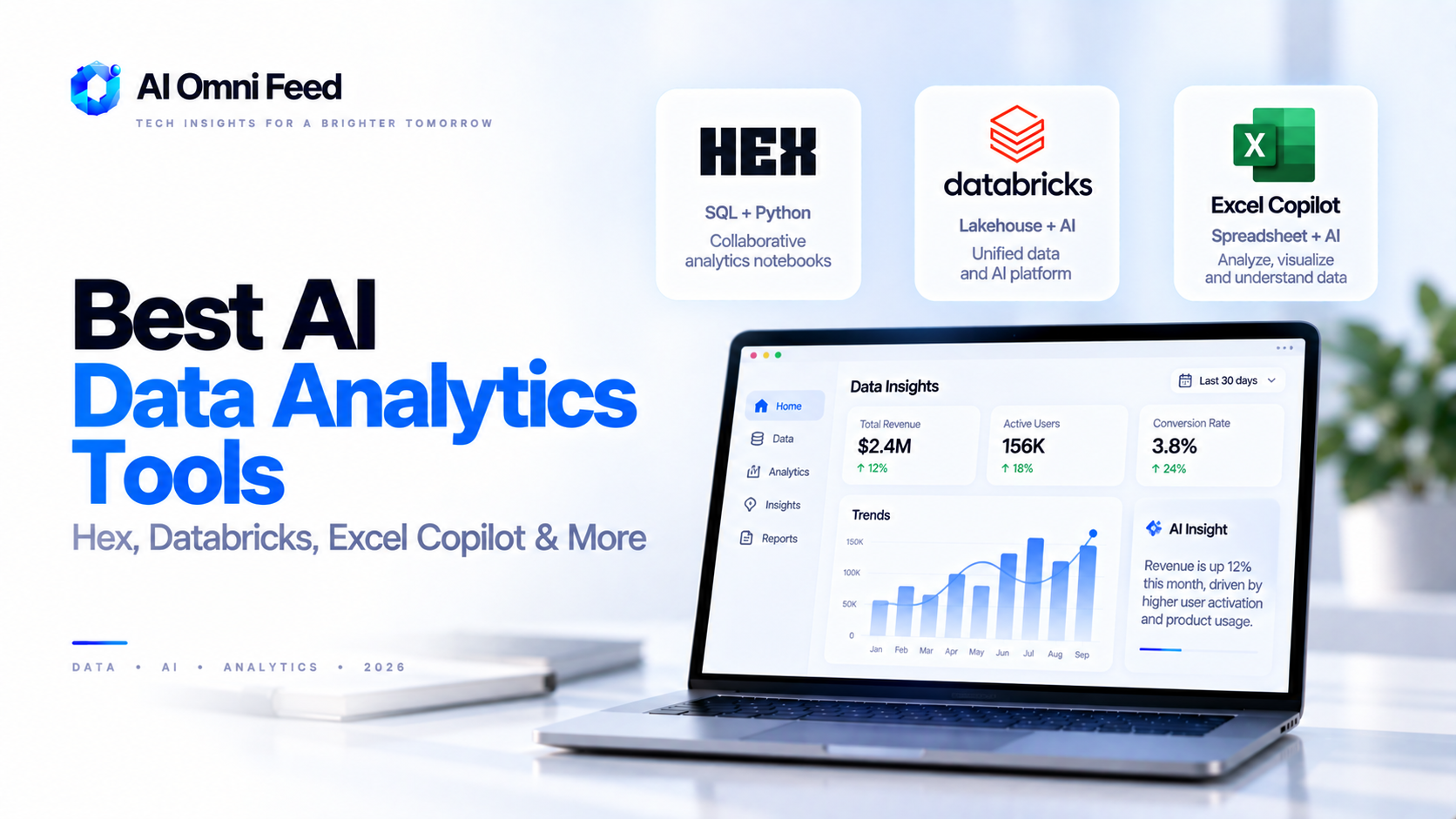
The best AI data analytics tools in 2026 are Hex for interactive notebooks and AI-assisted analysis, Databricks Genie for natural-language SQL and lakehouse-scale analytics, Microsoft 365 Copilot in Excel and Power BI for business users already on the Microsoft stack, Julius AI for quick exploratory analysis with charts, and Tableau Pulse for AI-generated insights inside a leading BI platform. Hex is the best overall pick for analysts who want AI where they already work, while Microsoft Copilot in Excel is the best for non-technical teams that live in spreadsheets. This guide covers real pricing, compares the tools directly, and explains the one workflow decision that matters most: whether you want AI to write the analysis or to do the analysis for you.
Why AI Data Analytics Is a Different Category in 2026
Traditional BI required structured pipelines, SQL skills, and a data team. AI analytics tools changed the workflow in two ways. First, natural-language interfaces let anyone ask a spreadsheet or warehouse a question in plain English and get a correct query plus an answer. Second, AI agents automate the repetitive middle of analysis – cleaning data, spotting anomalies, writing formulas, and producing charts – so analysts spend their time on interpretation instead of munging. The result: analysis that used to take a data team a week now gets done by the business owner in an afternoon. For a broader look at how these tools fit your stack, see our AI business tools stack.
The Top AI Data Analytics Tools Compared
| Tool | What It Does | Pricing | Best For |
|---|---|---|---|
| Hex | AI-assisted SQL + Python notebooks, interactive reports | Free tier; Team from ~$395/mo | Analysts building shareable analytics apps |
| Databricks Genie | Natural-language SQL on the lakehouse | Usage-based on Databricks pricing | Teams with big data in a lakehouse |
| Microsoft Copilot (Excel/Power BI) | AI in spreadsheets and BI dashboards | Copilot Pro $20/user/mo | Business users already on Microsoft 365 |
| Julius AI | Chat-driven analysis with charts and Python | Free tier; Pro from ~$20/mo | Quick exploratory analysis, one-off questions |
| Tableau Pulse | AI-generated insights in Tableau | Included in Tableau Creator license | Existing Tableau teams wanting AI summaries |
Hex: The Best AI Notebook for Serious Analysis
Hex combines a Python/SQL notebook with AI assistance in one product, and it’s genuinely good at workflow rather than just answers. You write a query or ask the AI to generate one, the notebook executes, and AI helps you transform the result, write the chart, and even draft the narrative around it. Everything is reproducible – colleagues see the actual query, not just a summary – which makes it a far better fit for real analytics teams than a chat-only tool.
The catch is price. Team pricing starts around $395/mo, which is fine for a data team but a lot if you’re a solo founder. If you’re already paying for a stack and want AI as an accelerator where analysts work, Hex is the strongest choice on this list.
Databricks Genie: Best for Lakehouse-Scale Data
Genie is Databricks’ answer to “ask your data questions in natural language.” It sits on top of the lakehouse, letting business users ask questions that Genie translates into correct, governed SQL – with access controls enforced. Where Hex is analyst-first, Genie is built to let non-technical stakeholders self-serve against massive enterprise datasets without a data team in the loop. Because it leverages the Databricks governance layer, it answers a real concern: AI analytics that respects who is allowed to see what.
Genie’s limitation is that it presumes you run your data on Databricks. If you’re not already a Databricks customer, the setup cost is substantial, so this is a choice made by data-platform strategy, not tool preference.
Microsoft Copilot in Excel and Power BI: The Pragmatic Default
For the majority of businesses, the most realistic AI analytics tool is the one already installed: Microsoft 365 Copilot inside Excel and Power BI. Copilot in Excel can generate formulas, clean data, suggest pivot tables, and produce charts from plain-language instructions, making spreadsheet analysis dramatically faster for non-technical users. Copilot in Power BI writes measures and DAX, explains dashboards, and answers questions about the underlying data.
It’s not the deepest analytics tool – it doesn’t replace a real data team or handle complex statistical work – but for the common case (a team that lives in Excel and wants answers without a data scientist), it’s the lowest-friction upgrade. It’s also the natural extension of the Excel AI features we covered in our Microsoft Copilot update guide.
Julius AI: The Best Cheap Exploratory Analysis
Julius AI is a chat-driven analytics tool: you upload a CSV or connect a source, ask questions in plain English, and it writes the code (Python or SQL) to answer – complete with charts and follow-up questions suggested automatically. For a one-off dataset, a startup evaluating options, or a marketer digging into a conversion export, Julius delivers the fastest path from file to insight at around $20/mo on Pro. It’s the same accessible pattern that makes simpler tools popular; see the analogous pick for marketing in our AI marketing tools roundup.
The trade-off is reproducibility and scale. Julius is brilliant for exploration but not built as a shared analytics environment for teams. Use it for answers, not for building your reporting layer.
Tableau Pulse: AI Insights Where Your BI Lives
Tableau Pulse adds AI-generated insights directly inside the leading enterprise BI platform. It watches your data, surfaces anomalies and trends in natural language, and sends them to the right people – turning a passive dashboard into an active source of findings. For existing Tableau customers, Pulse is the least disruptive way to get “AI that tells you what changed and why” without learning a new product. For teams not already on Tableau, its $75+/user Creator pricing is hard to justify just for the AI layer.
How to Pick the Right Tool for Your Situation
- You have a data team that needs an AI accelerator: Hex is the strongest analyst-first choice.
- You run big data on Databricks and want stakeholder self-service: Genie is the right fit.
- Your team lives in Excel and uses Microsoft 365: Start with Copilot in Excel at $20/user/mo – no new tool to learn.
- You need a quick answer from a spreadsheet or CSV, cheaply: Julius AI at ~$20/mo.
- Already on Tableau: Just turn on Pulse – it’s included.
Most small-to-mid businesses in 2026 land on Microsoft Copilot in Excel because it’s already there, or Julius AI when they need a fast answer. Teams that need reproducible, shareable analysis graduate to Hex.
FAQs About AI Data Analytics Tools
Can AI really analyze my data without a data scientist?
Yes, for most common questions. Tools like Julius AI and Excel Copilot generate the right queries and charts from plain language. Complex modeling or massive datasets still benefit from a data professional, but basic-to-mid analysis is now accessible to anyone.
How much do AI data analytics tools cost?
Julius AI starts around $20/mo, Microsoft Copilot Pro is $20/user/mo, Hex Team starts near $395/mo, and Databricks Genie is usage-based. Free tiers exist for all except Databricks.
Is my data safe with AI analytics tools?
Enterprise tools (Databricks, Tableau, Microsoft) enforce existing access controls and governance. Consumer tools like Julius require you to share your dataset, so review their handling policy before uploading sensitive data.
Is AI analytics better than Excel formulas?
For the same spreadsheet tasks, AI is faster and less error-prone than hand-writing formulas, and it explains what it did. For complex modeling, a human analyst with proper tools still wins.
Should I replace my BI tool with an AI assistant?
Usually not. BI tools (Tableau, Power BI) still own trusted dashboards and governance. The best setup is keeping your BI platform and adding AI (Pulse, Copilot, Genie) on top for insights and self-service.
