
Quick Answer: What Is a Business AI Tools Stack?
A business AI tools stack is the layered set of artificial‑intelligence‑powered software you use to run day‑to‑day operations – covering everything from writing and research to scheduling, CRM, customer support, and team collaboration. Rather than a single all‑in‑one product, most 2026 businesses compose a stack by picking the best‑of‑breed assistants for each function and wiring them together (often via Zapier, Make, or native APIs). The result is a custom workflow that saves dozens of hours a month while surfacing insights you would otherwise miss.
In this guide we walk through the core categories, the top 2026 picks (with pricing), how to evaluate them for your needs, and a sample stack you can adopt today.
The Core Categories
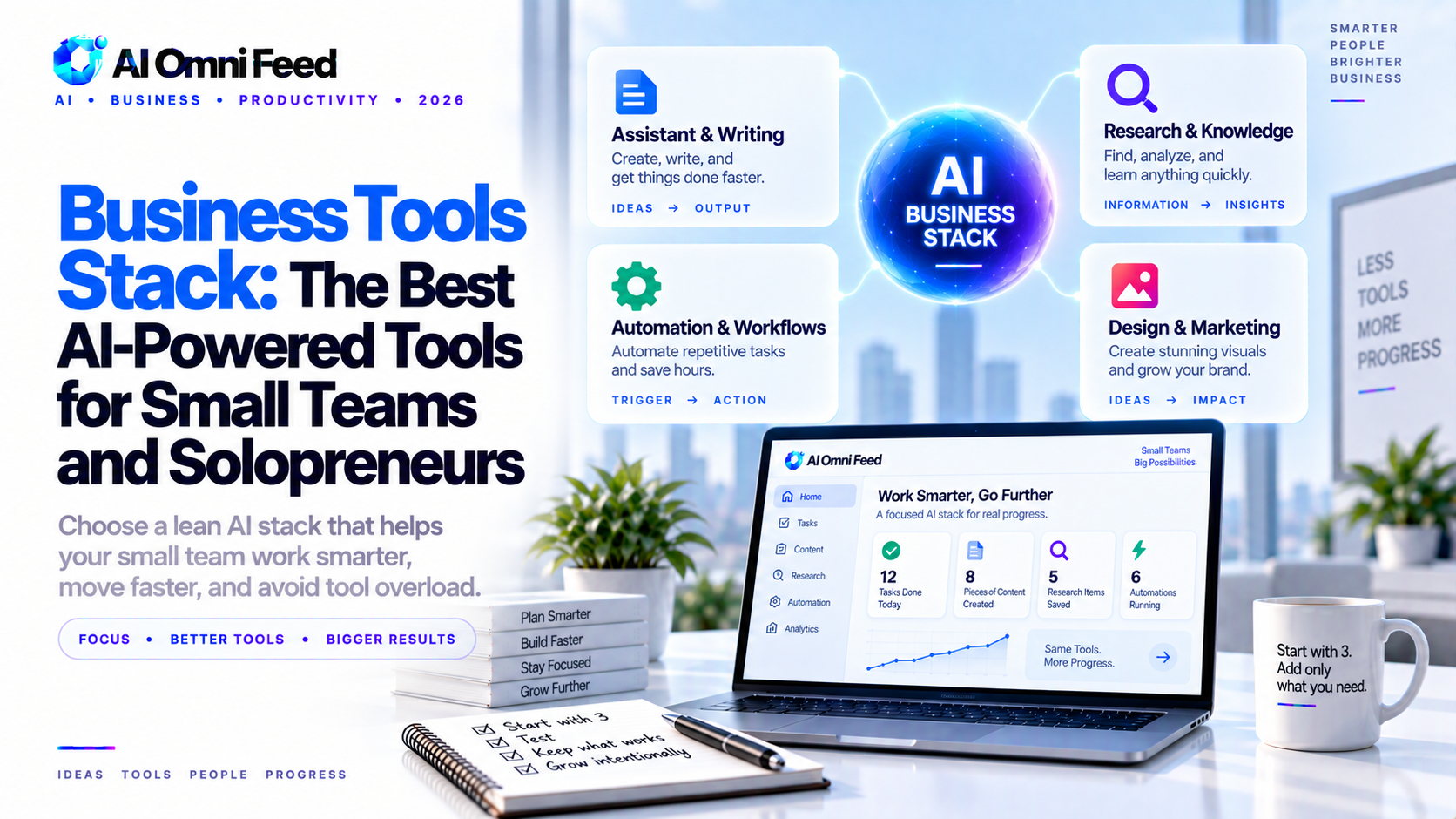
Every small‑team stack can be organized into these five buckets. Not every business needs all five from day one, but most add them as they grow:
- Writing & Content – draft emails, blogs, proposals, and social posts.
- Research & Knowledge – surfacing answers, summarizing documents, and building a searchable internal knowledge base.
- Scheduling & Calendar – booking meetings, sending reminders, and avoiding double‑books.
- Customer Support – AI triage, ticket summarization, and 24/7 chat windows.
- Productivity & Collaboration – meeting notes, task management, and shared inboxes.
Top AI Assistants by Category (2026)
Writing & Content
| Tool | Model / Tier | Pricing (2026) | Best For |
|---|---|---|---|
| ChatGPT | GPT-5.6 / Free, Plus, Pro | Free / $20 / $100–200/mo | All‑round writing, coding, research; biggest plugin ecosystem |
| Claude | Fable 5 / Sonnet 5 | Free / $10–100/mo | Long‑form writing, analysis, trustworthy tone; popular with enterprises |
| Perplexity | Pro / Enterprise | Free (limited) / $20–200/mo | Cited web research; answers with sources |
Scheduling & Calendar
| Tool | Model / Tier | Pricing (2026) | Best For |
|---|---|---|---|
| Reclaim.ai | Free, Starter, Pro | Free / $8 / $12/mo per user | Smart block‑scheduling; integrates with Google/Outlook |
| Motion | Individual, Team | $19 / $39/mo per user | Automated planning + project management |
| Calendly | Standard, Teams | Free / $12–16/mo | Simple meeting‑booking links |
Customer Support
| Tool | Model / Tier | Pricing (2026) | Best For |
|---|---|---|---|
| Intercom Fin | AI bot tier | $29–99/mo | Inline support bot for existing Intercom customers |
| Zendesk AI | Answer Bot tier | Starting $49/mo | Enterprise support workflows |
| Help Scout AI | Assist beta | Included on higher plans | Small‑team inbox with AI drafts |
Research & Knowledge
| Tool | Model / Tier | Pricing (2026) | Best For |
|---|---|---|---|
| ChatGPT with Deep Research | GPT-5.6 Pro | $200/mo (high‑volume) | Complex multi‑step web research with citations |
| Perplexity Enterprise | Pro | Custom | Internal knowledge search with source traces |
| Mem.ai | Personal, Team | $8 / $20/mo | Personal‑knowledge AI search; remembers context |
Productivity & Collaboration
| Tool | Model / Tier | Pricing (2026) | Best For |
|---|---|---|---|
| Notion AI | Add‑on | $10/mo per user | Draft wikis, summarize meetings, action items |
| Microsoft 365 Copilot | Pro | $30/mo per user | Works inside Word, Excel, Teams, Outlook |
| Google Gemini for Workspace | Business | $20–30/mo per user | Gmail, Docs, Sheets AI features |
How to Evaluate Tools for Your Stack
Before you add any tool, run through this checklist:
- Does it solve a real pain point? Pick one concrete task (e.g., “drafting weekly status emails takes 3 hours”) and measure time before/after.
- Is the data handling acceptable? Check the vendor’s data‑use policy, retention, and whether free‑tier prompts train their models.
- Does it integrate with what you already use? Google Workspace, Microsoft 365, Slack, HubSpot — the deeper the native hook, the less custom wiring you need.
- Can you test it risk‑free? Most 2026 assistants have usable free tiers; try 2–3 on your actual work before paying.
- What’s the total cost of ownership? Add up monthly per‑user fees, add‑on costs, and the internal hours needed to maintain the integration.
A Sample 2026 Stack for a 5‑Person Consulting Firm
Here is a concrete starting stack that covers the five core categories, with links to try the free tiers:
- Writing: ChatGPT Plus ($20/mo) – try the free tier first.
- Scheduling: Reclaim.ai Free tier – blocks deep‑work time automatically.
- Support: Help Scout (AI Assist on higher plans) – shared inbox + AI drafts.
- Research: Perplexity Free – cited web answers for client questions.
- Productivity: Notion AI ($10/mo per user) – meeting notes, action items, wiki drafts.
Total approximate monthly cost: $40–60 for a 5‑person team. Add other categories as you grow.
Internal Links & Related Guides
For deeper dives, see our comparative guides and how‑tos already on the site:
- AI Assistant Buyer’s Guide for Business – evaluation framework and security checklist.
- How LLMs Actually Work – the technical foundation behind every tool listed.
- What Is an AI Assistant? – the beginner‑level explainer.
- How to Build AI Agents – when a stack outgrows simple assistants and needs autonomous workflows.
- Best AI Productivity Tools 2026 – the roundup that inspired many of the picks above.
- ChatGPT vs Grok 2026 – head‑to‑head on the two most popular assistants.
- Claude vs ChatGPT 2026 – when Claude’s long‑form strength matters.
Each assistant listed above has a free tier worth trying on your real work before committing. Start with the category that causes you the most manual time, test 2–3 options side‑by‑side, and build from there.
Security and Compliance in Your AI Stack
As stacks grow, security is where setups get either cheap or expensive. Four rules keep costs down:
- Data use: prefer plans that don’t train on your prompts (or offer zero-retention controls) once anything sensitive flows through.
- Access control: pick tools with per-user roles and admin review so a leaked invite can’t expose the entire stack.
- Integration scopes: give each assistant only the permissions it needs – the smallest privilege that still works.
- Audit trail: enterprise tiers of ChatGPT, Claude, and the major platforms now all export activity logs; turn them on.
Most small teams don’t need certifications – but they should avoid tools that lock data or train on inputs without an opt-out.
Frequently Asked Questions
What’s the difference between an AI assistant and an AI agent for business?
An AI assistant waits for your prompt and helps you complete a single task (draft an email, summarize a document, schedule a meeting). An AI agent breaks a goal into sub‑tasks, chooses tools, and executes multi‑step workflows with limited supervision. Assistants keep you in the loop at every step; agents operate more independently, checking in only at key checkpoints or when they hit something unexpected.
How much should a small team budget for AI tools in 2026?
A light stack (writing + scheduling + one research assistant) runs $30–60/mo for a 3‑5 person team. A full stack (adding support, knowledge‑base search, and deep‑research tools) can run $100–200/mo depending on headcount and volume. Most vendors offer enterprise discounts at 10+ users.
Can I mix assistants from different vendors?
Yes – that’s the normal pattern. The key is to pick tools with open APIs or Zapier/Make integration so they can trigger each other (e.g., “when a new email arrives in Gmail, summarize it with Claude and add the task to Notion”). Avoid vendors that lock data into proprietary formats without export.
Do I need to worry about data privacy with these tools?
Yes. Most 2026 providers offer enterprise plans with zero‑retention data use, admin controls, and audit logs. For a small team, the safest approach is to stick with free or low‑tier plans that don’t use your prompts for model training, and never feed truly sensitive contracts, payroll, or patient data into any assistant unless you have a Business Associate Agreement (BAA) in place.
What if my team outgrows the stack?
Most vendors let you export conversations, transcripts, or knowledge‑base entries. Plan your exit path early: pick tools that let you export in open formats (CSV, JSON, Markdown) and have documented APIs. When you hit 10–20 users, revisit the pricing tables – many vendors drop per‑unit costs significantly at enterprise volume.
