Getting Started with AI at Work
Using AI at work starts with identifying your most time-consuming routine tasks. Common candidates include drafting emails, summarizing documents, analyzing data, creating presentations, and managing schedules. Begin with one or two tasks where AI can make an immediate difference, prove the value, then expand to more use cases. Most professionals find that starting small and scaling gradually leads to better adoption than trying to transform everything at once.
Security and privacy considerations are important when adopting AI at work. Follow your organization AI usage policies. Avoid sharing confidential business information with public AI tools. Use enterprise-grade AI solutions when handling sensitive data. Learn each tool data handling policies. Being thoughtful about what you share with AI tools protects both your organization and your career. With proper precautions, AI tools can safely handle a wide range of professional tasks.
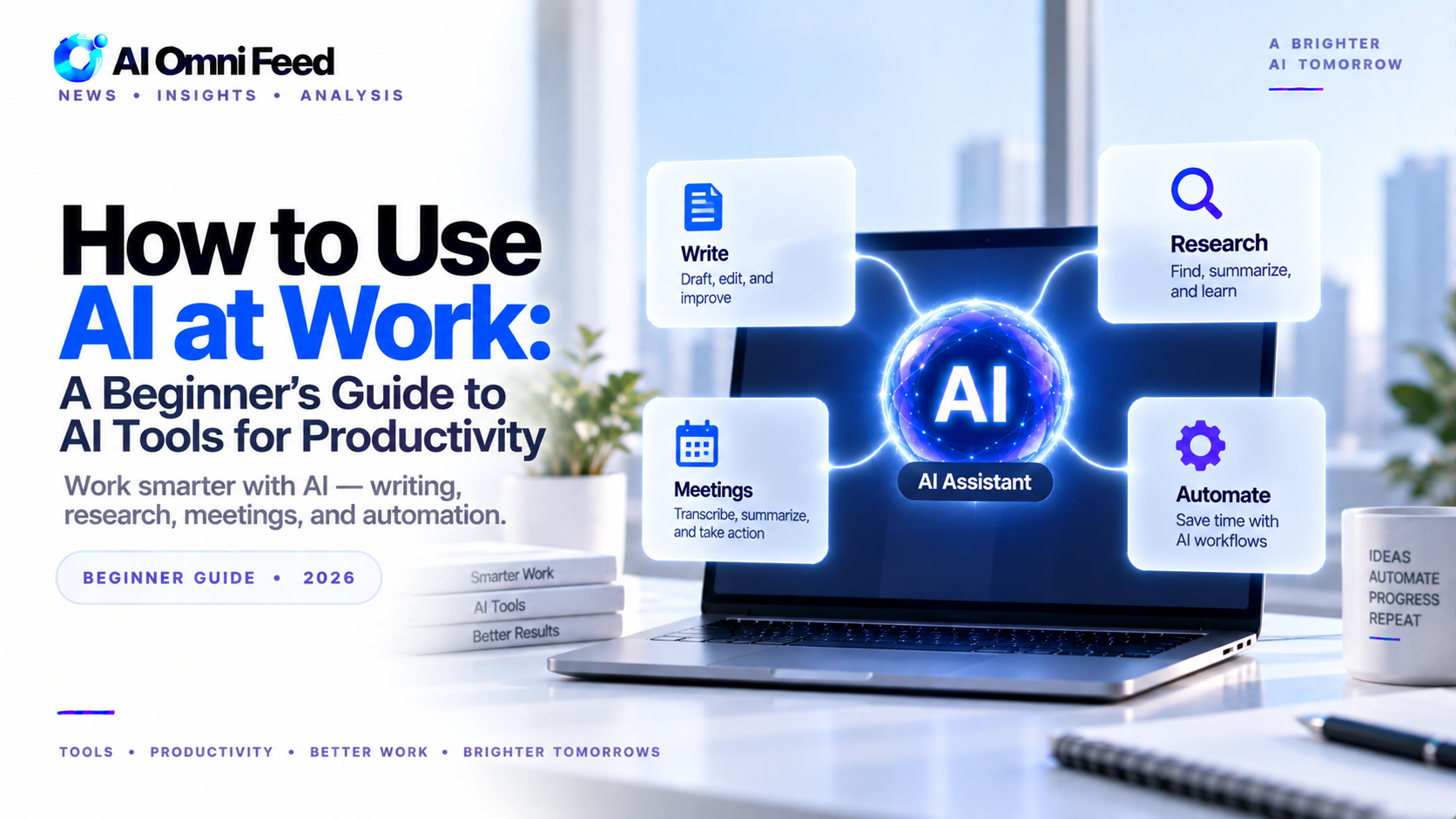
Artificial intelligence is no longer a futuristic concept — it’s a daily work tool that anyone can use. Whether you’re a marketer, manager, designer, or entrepreneur, there are AI tools available right now that can save you hours each week. This guide covers the essentials: what to use, how to use it, and where to start.
Start with a General AI Assistant
Your first step should be picking a primary AI assistant. ChatGPT (free), Claude (free), and Gemini (free) all offer robust free tiers. Use one as your daily copilot for drafting emails, brainstorming ideas, summarizing documents, and answering questions. The key is to make it a habit — open it alongside your browser every morning.
AI for Writing and Communication
Tools like ChatGPT and Claude excel at writing tasks. Use them to draft emails, create social media posts, edit your writing for clarity, and generate outlines. The best approach is to write your rough draft yourself, then ask AI to improve it. This keeps your voice while saving editing time.
AI for Research and Analysis
Gemini’s integration with Google Search makes it excellent for research tasks. Upload PDFs, ask for summaries of long articles, and compare multiple sources. Perplexity AI is another strong option that provides cited answers with links to sources — ideal for fact-checking and deep research.
AI for Visual Content
Canva’s AI features let you generate images, remove backgrounds, and design presentations in minutes. DALL-E 3 (inside ChatGPT) and Midjourney are powerful for custom imagery. For product photography or social media graphics, these tools eliminate the need for a professional designer for routine work.
AI for Task Management and Automation
Zapier’s AI integration connects your apps and automates repetitive workflows. Notion AI helps organize notes and projects. Motion automatically schedules your tasks. These tools work best when you identify one repetitive task — like email sorting or meeting scheduling — and let AI handle it.
Your First Week Plan
Day 1: Sign up for ChatGPT (free) and use it for one task — draft an email, summarize an article, or brainstorm ideas.
Day 2: Try Claude for a writing task. Compare the output with ChatGPT and notice the differences in style.
Day 3: Use Gemini to research a topic you’re curious about. Pay attention to the cited sources and Google integration.
Day 4: Explore Canva’s AI features. Generate an image and design a simple graphic.
Day 5: Set up one Zapier automation for a task you do repeatedly.
Weekend: Reflect on which tools felt most useful and commit to using them regularly.
The Golden Rule
AI tools are force multipliers, not replacements. The best results come from human judgment combined with AI speed. Review everything AI generates. Add your expertise. Use AI to handle the tedious parts so you can focus on the work that actually requires your unique skills.
Choosing the Right AI Assistant for Your Role
Different roles benefit from different AI tools. Marketers get the most value from ChatGPT for campaign copy, audience research, and content calendars. Managers use Claude for meeting summaries, project plans, and team communications. Designers leverage Canva AI and Midjourney for visual creation and iteration. Entrepreneurs combine multiple tools: Perplexity for market research, ChatGPT for customer communications, Zapier for business automation, and Notion AI for business planning. The key is matching the tool to your specific daily tasks rather than trying to use every available AI tool. Start with the one that addresses your biggest time drain.
AI for Data Analysis and Spreadsheets
AI has made spreadsheet work dramatically easier. ChatGPT’s Advanced Data Analysis feature can process uploaded CSV files, clean data, run statistical analysis, and generate visualizations. Simply describe what you want to understand from your data and ChatGPT handles the analysis. For Google Sheets users, Gemini integration provides AI-powered formula suggestions, data categorization, and insight generation. These tools turn spreadsheet analysis from a technical skill into a conversational task, making data-driven decision-making accessible to anyone regardless of their spreadsheet proficiency.
AI for Meeting Productivity
Meetings consume a significant portion of the workweek, and AI can make them far more productive. Tools like Otter.ai and Fireflies.ai join your calendar meetings automatically, transcribe the conversation in real time, generate summaries with action items, and make past meetings searchable. Before a meeting, ask your AI assistant to summarize the relevant email thread, previous meeting notes, and documents. During the meeting, AI handles note-taking so you can participate fully. After the meeting, AI distributes action items and follows up automatically. This workflow reclaims hours spent on meeting preparation and follow-up.
AI for Learning and Skill Development
AI assistants are powerful learning tools. Use them to explain concepts you do not understand, break down complex topics into digestible explanations, generate practice problems, quiz you on material, and recommend learning resources. The conversational format lets you ask follow-up questions and explore tangents in a way that static learning materials do not. For professional development, AI can analyze skill gaps in your resume, suggest courses and certifications, and even conduct mock interviews for practice. Many professionals now use AI as a personal tutor and career coach alongside traditional learning resources.
Common Mistakes and How to Avoid Them
New AI users commonly make several mistakes. The first is expecting perfection: AI makes errors, hallucinates facts, and produces generic content. Always verify important information. The second is oversharing sensitive data: free AI tiers often train on your conversations. Do not share confidential business information, personal data, or trade secrets. The third is using AI as a crutch: relying on AI for tasks you should learn yourself stunts skill development. Use AI to accelerate work you already understand, not to avoid learning fundamentals. The fourth is tool overload: adopting too many AI tools at once leads to none being used effectively. Start with one, master it, then add more.
Frequently Asked Questions
How do I start using AI at work?
Start by identifying 2-3 time-consuming routine tasks where AI can help. Try tools, measure time saved, and expand gradually. Most professionals start with email, research, and document drafting.
What are the best AI tools for work?
ChatGPT or Claude for writing and analysis. Grammarly for editing. Otter or Fireflies for meeting notes. Perplexity for research. Notion AI for documentation.
Is it safe to use AI at work?
Yes, with precautions. Follow company AI policies. Avoid sharing confidential data with public tools. Use enterprise versions for sensitive work. Learn each tool data handling practices.
For deeper insights, check our AI funding analysis and AI coding tools guide.
