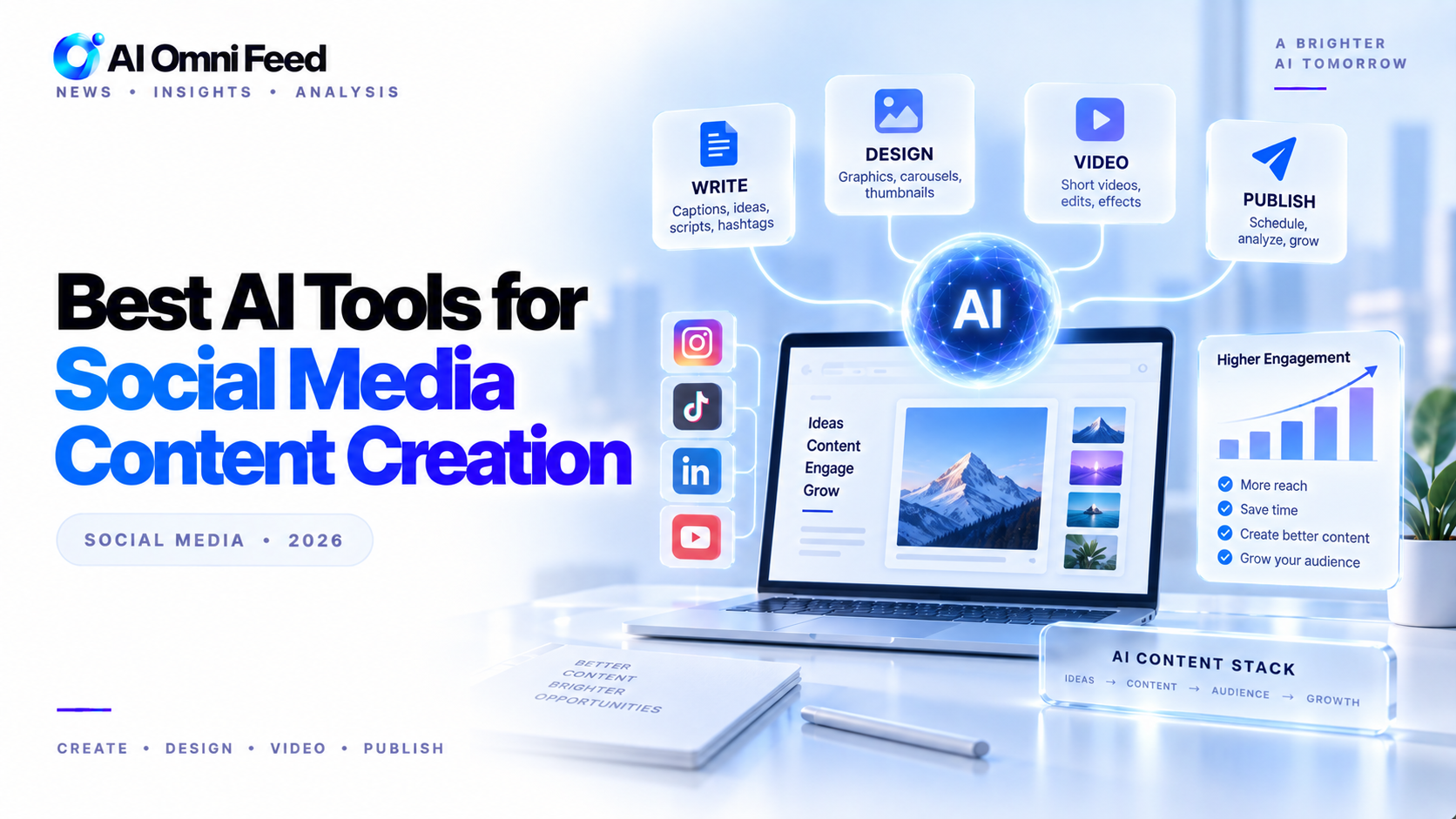
Quick Answer: Best AI Tools for Social Media in 2026
Canva Magic Media is the best all-in-one AI tool for social media, covering visuals, captions, and scheduling. For content strategy and captions, ChatGPT leads. CapCut dominates short-form video editing, and Midjourney produces the highest quality social graphics. Buffer AI rounds out the stack with scheduling and analytics. A complete social media AI stack costs $30-50/month and saves 10-15 hours per week.
Key Takeaways
- Canva Magic Media is the best all-in-one tool for social media visuals, captions, and scheduling.
- ChatGPT excels at generating content calendars, caption variations, and engagement strategies.
- CapCut and Midjourney lead for short-form video and high-quality images respectively.
- A complete AI-powered social media workflow costs $30-50/month total.
Why Use AI for Social Media Content Creation?
Social media content creation is one of the most time-intensive marketing activities. The average social media manager spends 6+ hours per day creating content, writing captions, editing videos, scheduling posts, and analyzing performance. AI tools in 2026 automate much of this work, reducing creation time by 60-80% while maintaining or improving quality.
AI handles the repetitive tasks: generating image variations at scale, writing caption drafts in your brand voice, auto-captioning videos, suggesting optimal posting times, and analyzing which content resonates with your audience. This frees you to focus on strategy, community engagement, and creative direction.
How AI Social Media Tools Have Evolved
AI social media tools have come a long way since the early days of simple scheduling apps. In 2024-2026, three key advances changed the landscape. First, multimodal AI models can now generate platform-optimized images, videos, and text simultaneously, maintaining brand consistency across formats. Second, predictive analytics powered by machine learning can forecast content performance before you publish, telling you which headlines, visuals, and posting times will maximize engagement. Third, workflow automation lets you set up AI agents that manage the entire content lifecycle: researching trends, drafting posts, generating visuals, publishing on schedule, and reporting on performance.
These advances mean that a single social media manager can now do the work of a three-person team. Small businesses and solo creators benefit the most, gaining access to production capabilities that were previously available only to large marketing departments with significant budgets.
Tips for Maximizing AI Social Media Tools
To get the most value from your AI social media stack, follow these best practices. First, maintain brand voice consistency by training each AI tool on your brand guidelines, tone of voice, and visual style preferences. Second, use AI for A/B testing at scale generate multiple caption and image variations and let performance data guide your choices. Third, combine AI efficiency with human creativity use AI for the first draft and first edit, then add human insight for the final polish. Fourth, monitor AI-generated content for brand alignment before publishing. Fifth, use analytics tools to continuously refine your AI prompts and workflows based on what resonates with your audience.
Best AI Tools for Social Media in 2026
Social media content creation is one of the most time-intensive marketing activities. AI tools in 2026 automate much of the work: generating images and videos, writing captions, scheduling posts, and analyzing performance. Here are the best AI tools for social media content creation. For a broader overview, see our complete guide to AI tools in 2026.
Canva Magic Media — Best All-in-One Social Media Tool
Canva is the most comprehensive AI tool for social media. Magic Media generates on-brand images, videos, and graphics from text prompts. Magic Write creates captions, hashtags, and ad copy. Canva scheduling tools publish directly to Instagram, TikTok, LinkedIn, Facebook, and X. The AI suggests optimal posting times and content formats based on your audience. Canva’s brand kit ensures every piece of content matches your brand colors, fonts, and style guidelines automatically. Free tier; Pro $13/mo.
ChatGPT — Best for Content Strategy and Captions
ChatGPT handles the strategy side of social media: generating monthly content calendars, writing caption variations for A/B testing, creating engagement hooks, and analyzing competitor content. Feed it your brand voice guidelines and it produces consistent on-brand copy across all platforms. For quick ideas, ask for “10 LinkedIn post ideas about [topic] with hooks.” ChatGPT can also repurpose long-form content (like blog posts and videos) into platform-specific social snippets. Free tier; Plus $20/mo. For more on content creation workflows, see our guide to AI for content creation.
CapCut — Best for Short-Form Video
CapCut (by TikTok/Bytedance) is the leading AI video editor for short-form social content. Its AI auto-captions videos, removes silence, suggests trending music, applies transitions, and generates clips from longer videos. The text-to-video feature creates short clips from scripts. CapCut’s AI also analyzes trending content patterns and suggests editing styles that perform well on each platform. Essential for TikTok, Instagram Reels, and YouTube Shorts. Free with watermark; Pro $7.99/mo removes watermark and adds features. For more video tools, check our AI video generators comparison.
Midjourney — Best for High-Quality Social Graphics
Midjourney produces the highest quality AI-generated images for social media. Its artistic output stands out in crowded feeds, making it ideal for brand visuals, announcement graphics, and campaign imagery. Use Midjourney for the visual asset, then finish in Canva for text overlays and brand elements. Midjourney v7 supports style references, character consistency across generations, and in-painting for editing specific elements. Basic $10/mo; Standard $30/mo. See our full AI image generators comparison for alternatives.
Buffer AI — Best for Scheduling and Analytics
Buffer AI features suggest optimal posting times, generate post variations, and analyze content performance across platforms. Its AI writing assistant generates captions tailored to each platform style. Buffer also provides plain-language performance reports that explain what content works and why. The AI recommends content mix adjustments based on engagement data, helping you refine your strategy continuously. Free tier; Essentials $6/mo.
AI Social Media Tools Comparison Table
| Tool | Best For | Key Strength | Starting Price | Free Tier |
|---|---|---|---|---|
| Canva Magic Media | All-in-one visual content | Images, video, captions, scheduling in one platform | $13/mo | Yes |
| ChatGPT | Content strategy & captions | Calendar planning, caption variations, competitor analysis | $20/mo | Yes |
| CapCut | Short-form video editing | Auto-captioning, trending effects, text-to-video | $7.99/mo | Yes (watermark) |
| Midjourney | High-quality social graphics | Artistic image generation, style consistency | $10/mo | No |
| Buffer AI | Scheduling & analytics | Optimal timing, performance insights, cross-platform | $6/mo | Yes |
Building Your Social Media AI Workflow
An effective AI-powered social media workflow: use ChatGPT for monthly content planning and caption drafting, Midjourney or Canva for visual assets, CapCut for video content, Canva for scheduling, and Buffer for analytics. This stack covers the full content lifecycle from ideation to publishing to analysis. For AI-powered presentation creation, see our guide to AI presentation tools. Total monthly cost: $30-50 for the full stack, saving 10-15 hours per week compared to manual creation. Marketers should also see our complete guide to AI tools for marketers for a broader workflow perspective.
Frequently Asked Questions
What is the best AI tool for social media content creation?
Canva Magic Media is the best all-in-one tool, combining AI image generation, video creation, caption writing, and scheduling in a single platform. For most social media managers, it provides the best balance of features and ease of use.
Can AI write social media captions?
Yes. ChatGPT and Canva Magic Write both generate high-quality social media captions. ChatGPT offers more control over tone and strategy, while Canva is more convenient if you are already designing visuals in the platform.
How much does an AI social media tool stack cost?
A complete AI social media stack costs $30-50 per month. Most tools offer free tiers, and the paid plans pay for themselves through time savings of 10-15 hours per week.
Which AI tool is best for video content?
CapCut is the best AI tool for short-form social media video. It handles auto-captioning, silence removal, trending effects, and text-to-video conversion. For longer video content, see our AI video generators comparison.
Can AI schedule social media posts?
Yes. Canva includes built-in scheduling across major platforms, and Buffer AI specializes in cross-platform scheduling with AI-powered timing optimization.
Does AI-generated social media content perform as well as human-created content?
Studies in 2026 show that AI-assisted content performs equal to or better than purely human-created content in terms of engagement rates, particularly when humans handle strategy and AI handles execution. The best results come from human-AI collaboration.
What is the best free AI tool for social media?
Canva’s free tier is the best free option, offering Magic Media generation, Magic Write, and basic scheduling. ChatGPT’s free tier is also excellent for caption writing and content planning. See our best free AI tools guide for more options.
