
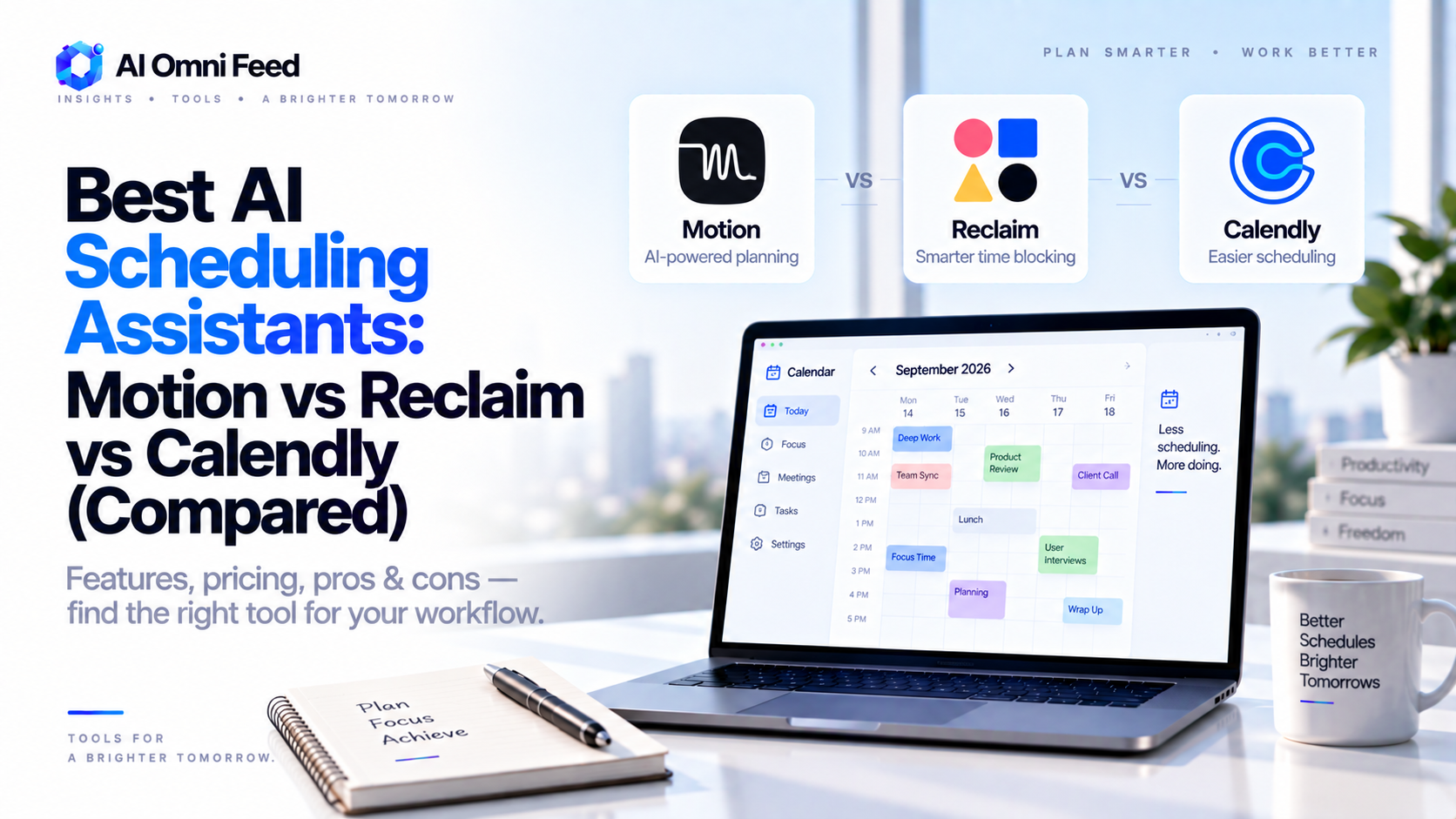
Quick Answer: The Best AI Scheduling Assistants in 2026
The best AI scheduling assistants in 2026 are Motion for full auto-scheduling of today’s calendar, Reclaim.ai for Google Calendar users who want smart buffers and habits, Calendly for meeting-booking links, Clockwise for deep focus-time protection, and Claude / ChatGPT agents for free AI-powered scheduling help in chat. Motion is the strongest all-round choice – it rebuilds your day around priorities and deadlines rather than just finding an empty slot – while Reclaim is the best-value pick if you live in Google Calendar. This guide breaks down each tool, real pricing, how they compare, and a recommended setup depending on how you work.
What an AI Scheduler Does (That Humans Hate Doing)
Scheduling eats an enormous amount of knowledge-worker time – the research consistently lands at 5-7 hours per week for people who juggle meetings, deadlines, and deep work. AI schedulers attack that waste in four ways:
- Automatic booking – a shareable link so others pick times without email ping-pong.
- Priority-based scheduling – the AI reorders your day around deadlines and goals, not just availability.
- Buffer and focus protection – automatic gaps, lunch blocks, and deep-work windows that meetings can’t invade.
- Intelligent rescheduling – when one meeting moves, the whole day re-optimizes instead of cascading chaos.
The best 2026 tools combine the last three – a calendar that continuously fixes itself while you work.
The Top AI Scheduling Assistants Compared (2026)
| Tool | Pricing | Free Tier | Key Strength | Best For |
|---|---|---|---|---|
| Motion | $30/mo (annual), higher monthly | No true free tier | Full auto-scheduling of the entire workday | Busy professionals with mixed tasks & deadlines |
| Reclaim.ai | From $12/mo | Basic free plan | Google Calendar buffers, habits, and smart rescheduling | Google Calendar users on a budget |
| Calendly | Free / $10-16/user | Yes – 1 event type | Polished booking links for external meetings | Anyone with client-facing calls |
| Clockwise | Free / from ~$7/user | Yes – core features | Deep-work focus time and meeting compacting | Teams that need protected deep-work blocks |
| ChatGPT/Claude agents | $0-20/mo via chat plans | Yes | Free planning, agendas, timezone math, follow-up drafts | Light users who don’t want another subscription |
Motion: The Best Overall AI Scheduler
Motion is the standout in 2026 because it doesn’t just find slots – it builds the day. You feed it tasks, deadlines, estimated durations, and meeting commitments, and it produces an optimized schedule that it continuously re-plans as things change. If a project slips or a meeting moves, Motion reschedules the rest automatically, always prioritizing what matters most. Typical users report reclaiming 5-7 hours a week simply by never deciding “what’s next” manually.
The trade-offs are real: at ~$30/mo it’s the most expensive pick here, there’s no free tier, and it works best when you adopt it as your main task manager (it is a lot more than a scheduler). For anyone whose week is full of mixed tasks – not just meetings – Motion is worth the price. It is the closest thing to a genuine AI assistant for time management in 2026.
Reclaim.ai: The Best Value for Google Calendar
Reclaim is Motion’s pragmatic sibling: cheaper, lighter, and deeply integrated with Google Calendar. It creates smart buffers between meetings, reserves lunch and focus blocks, tracks habits, and automatically shifts tasks when your day changes. The key selling point is that it works with your existing calendar and to-dos rather than replacing your whole system.
Starting around $12/mo (with a basic free plan), Reclaim is the best pick for most people who already live in Google Calendar and want 70-80% of Motion’s benefit at a third of the price. Power users often add Reclaim’s focus time on top of Google Tasks or Todoist for a flexible setup.
Calendly and Clockwise: The Specialists
Calendly does one thing superbly – letting clients, partners, and candidates book meetings with you through a clean link – and its free tier remains genuinely functional for a single event type. If your pain is scheduled one-on-ones, start here. Clockwise is the team-focused focus-time tool: it compacts meetings that can be combined, protects deep-work blocks, and negotiates schedule conflicts across a team’s calendars, often on a generous free tier. Together they’re the standard answer for external booking plus internal deep-work protection.
The Budget Option: Use a Chat Agent for Scheduling
If you want AI scheduling help without another subscription – or you schedule rarely – ChatGPT (GPT-5.6) or Claude (Sonnet 5) handles the mental work in chat for free: comparing timezones, proposing meeting windows, drafting agendas, writing follow-ups, and preparing for conversations. It won’t touch your calendar automatically (for that you need a connected agent or API), but combined with a free Calendly link, it covers most casual use.
Recommended Setups by How You Work
- Full auto-scheduling, desk-bound: Motion (~$30/mo) as your main task + calendar brain.
- Google Calendar + budget: Reclaim (~$12/mo) for buffers, habits, and focus blocks.
- Client-facing bookings: Calendly free/paid + a chat agent for prep and follow-ups.
- Team deep-work protection: Clockwise free tier enterprise-wide.
- Light/occasional use: Free Calendly link + ChatGPT or Claude in chat – $0 total.
For the wider toolkit these Fit With, see our AI business tools stack and the best AI productivity tools roundups.
Frequently Asked Questions
What is the best AI scheduling assistant in 2026?
Motion is the best all-round AI scheduler in 2026 – it auto-builds your entire workday around priorities and deadlines. Reclaim.ai is the best value for Google Calendar users, and Calendly remains the standard for client-facing booking links.
Does Motion have a free version?
No. Motion has no true free tier – plans start around $30/mo (cheaper on annual billing). If you want free scheduling with AI help, pair a free Calendly link with ChatGPT or Claude in chat.
How much do AI scheduling tools cost?
Expect $10-30/mo for the main tools: Reclaim starts around $12/mo, Clockwise from about $7/user, and Motion around $30/mo. Calendly has a functional free tier and paid plans from $10-16/user.
Can an AI scheduler run my whole calendar automatically?
Yes for the right tool. Motion and Reclaim can automatically place tasks, protect buffers, and reschedule your day when things move. Chat apps like ChatGPT and Claude can help plan and prepare, but won’t touch your calendar directly without an API integration.
Is Reclaim better than Motion?
Not better – cheaper and lighter. Motion is more powerful and fully autonomous, but costs ~$30/mo with no free tier. Reclaim (from ~$12/mo with a free plan) gives Google Calendar users most of the benefit at a third of the price.
