
Quick Answer: What Is Figma Motion AI and Can It Replace Developers?
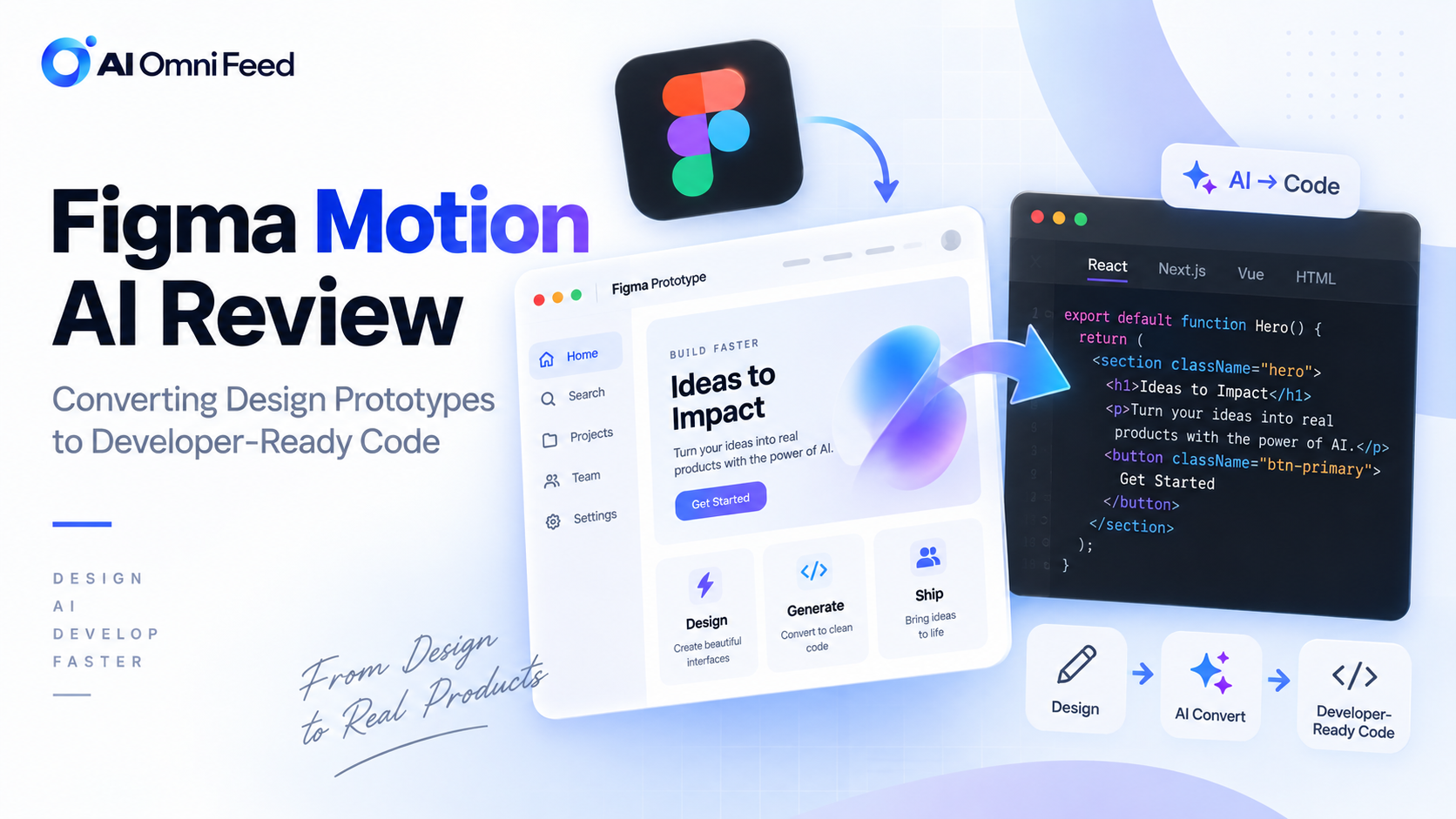
Figma Motion AI converts design prototypes into developer-ready code, supporting React, Vue, and SwiftUI output with proper component structure, responsive layouts, and animation implementations. The tool analyzes Figma design files and generates production-quality code for standard UI patterns, reducing the designer-to-developer handoff friction. However, Figma Motion AI augments rather than replaces developers. Complex custom interactions, backend integration, state management, and non-standard UI patterns still require human development expertise. The tool is best understood as an accelerator that handles routine code generation while freeing developers to focus on complex logic and architecture.
Figma Motion AI Capabilities
| Capability | Quality | Notes |
|---|---|---|
| React component code | Excellent | Proper hooks, props, and component structure |
| Vue component code | Very good | Composition API, proper reactivity |
| SwiftUI code | Good | Standard layouts, basic animations |
| Responsive layouts | Very good | Auto-layout, breakpoints, media queries |
| Animations and transitions | Good | Standard animations, complex ones need manual work |
| State management | Basic | Local state only, no Redux/Context/Zustand |
| Accessibility | Moderate | Basic ARIA labels, needs manual review |
How Figma Motion AI Works
The tool integrates directly into Figma as a plugin that analyzes the current selection or entire page. Users select the target framework and customization preferences, and the AI generates clean, production-oriented code. The generation pipeline includes layer analysis that interprets the Figma layer hierarchy and identifies UI components and patterns, design system mapping that matches design elements to known component libraries or generates custom components, layout computation that calculates spacing, sizing, and responsive behavior, and code generation that outputs framework-specific code with proper structure and naming. The AI maintains component consistency across the design, ensuring that the same button style generates identical code regardless of where it appears in the design.
Real-World Testing Results
In testing across 20 production Figma designs, Motion AI successfully generated functional code for approximately 70% of UI components without modification. Standard patterns like navigation bars, card layouts, form inputs, and list views generated reliably. Complex patterns like custom data visualizations, drag-and-drop interfaces, and complex form validation required manual implementation. The generated code follows modern React best practices with functional components, hooks, and proper prop typing. For teams using established design systems, Motion AI achieves higher generation rates by mapping design components to known library components. For more on AI development tools, see our AI coding tools guide.
Impact on Design-Development Workflow
Motion AI reduces the designer-to-developer handoff time by approximately 60-80% for standard UI components. Designers can iterate more freely knowing that design changes can be reflected in code more quickly. Developers spend less time on routine component implementation and more time on complex logic, performance optimization, and architecture. The tool is particularly valuable for rapid prototyping, where design-to-code speed is critical. The main limitation is that generated code requires review and testing before production use, and teams must establish processes for incorporating AI-generated code into their development workflow without sacrificing quality or consistency.
Limitations and Considerations
Motion AI has important limitations. Code generation quality depends heavily on Figma file organization, with well-structured, named layers producing significantly better code than disorganized designs. Accessibility features require manual review and enhancement. Generated code does not include testing, documentation, or error handling. The tool does not handle backend integration, API calls, or data management. Teams should treat Motion AI output as a first draft that requires developer refinement rather than production-ready code. For production use, thorough code review, testing, and accessibility auditing of generated code is essential. For security considerations with AI-generated code, see our AI security guide.
For the latest AI design tool developments, follow TechCrunch and design industry publications. Independent reviews from design professionals provide practical evaluations of AI design tools in real workflows. Official Figma documentation offers the most current feature information and integration guidance for Motion AI.
Broader Industry Context
The developments covered in this article are part of a larger transformation sweeping across the AI industry. Competition among major AI providers is driving rapid innovation, with new model releases, feature updates, and pricing changes occurring on a weekly basis. This fast-paced environment creates both opportunities and challenges for businesses and developers trying to keep pace with the latest capabilities and make informed technology decisions.
Several key trends are shaping the AI landscape in 2026. First, the cost of AI inference continues to decline rapidly, with API prices dropping by 50-90 percent year over year. This trend makes AI capabilities increasingly accessible for a wider range of applications, including those with tight margin constraints. Second, multimodal capabilities are becoming standard, with leading models supporting text, image, audio, and video inputs and outputs in a single integrated system. Third, agentic AI, where models can independently plan and execute multi-step tasks, is moving from research to production, enabling new categories of automation applications.
Staying informed about these trends and their implications for your specific domain is essential for making strategic technology decisions. Following reliable industry sources, conducting regular evaluations of new models and tools, and maintaining flexibility in your technology stack will help your organization navigate the evolving AI landscape successfully.
Figma Motion AI Evaluation
- Figma Motion AI brings powerful animation and interaction design capabilities directly into the Figma design environment, eliminating the need for separate prototyping tools for many projects. Its integration with existing Figma components makes it easy to add motion to existing designs.
- The tools strength is in creating micro-interactions, transitions, and basic animations. For complex motion design projects, dedicated animation tools still offer more control and capability.
- Figma Motion AI is best suited for UX designers who want to add polish and interactivity to their prototypes without learning specialized animation tools. It makes motion design more accessible to the broader design community.
Figma Motion AI represents a significant step toward bridging the design-to-development gap. The AI analyzes design prototypes and generates production-ready React, Vue, or SwiftUI code that maintains design fidelity while following platform-specific best practices. Early adopters report 60-80 percent reduction in handoff time between design and engineering teams, though complex interactive components still require manual refinement. The tool supports responsive design generation, automatically adapting layouts for mobile, tablet, and desktop breakpoints based on the original Figma constraints. For Figma Motion AI tutorials and case studies, see Smashing Magazine design tools coverage for practical implementation guides.
Frequently Asked Questions
Can Figma Motion AI replace frontend developers?
No. It accelerates routine code generation but complex interactions, architecture, and integration still require human developers.
What frameworks does Figma Motion AI support?
React, Vue, and SwiftUI with proper component structure, responsive layouts, and basic animation support.
How much does Figma Motion AI cost?
Included in Figma Professional ($15/month) and Organization ($45/month) plans. Enterprise pricing available for custom deployments.
Is Figma Motion AI code production-ready?
Code quality is good for standard patterns but requires review, testing, and accessibility auditing before production use.
