Quick Answer: Best AI Tools for Students in 2026
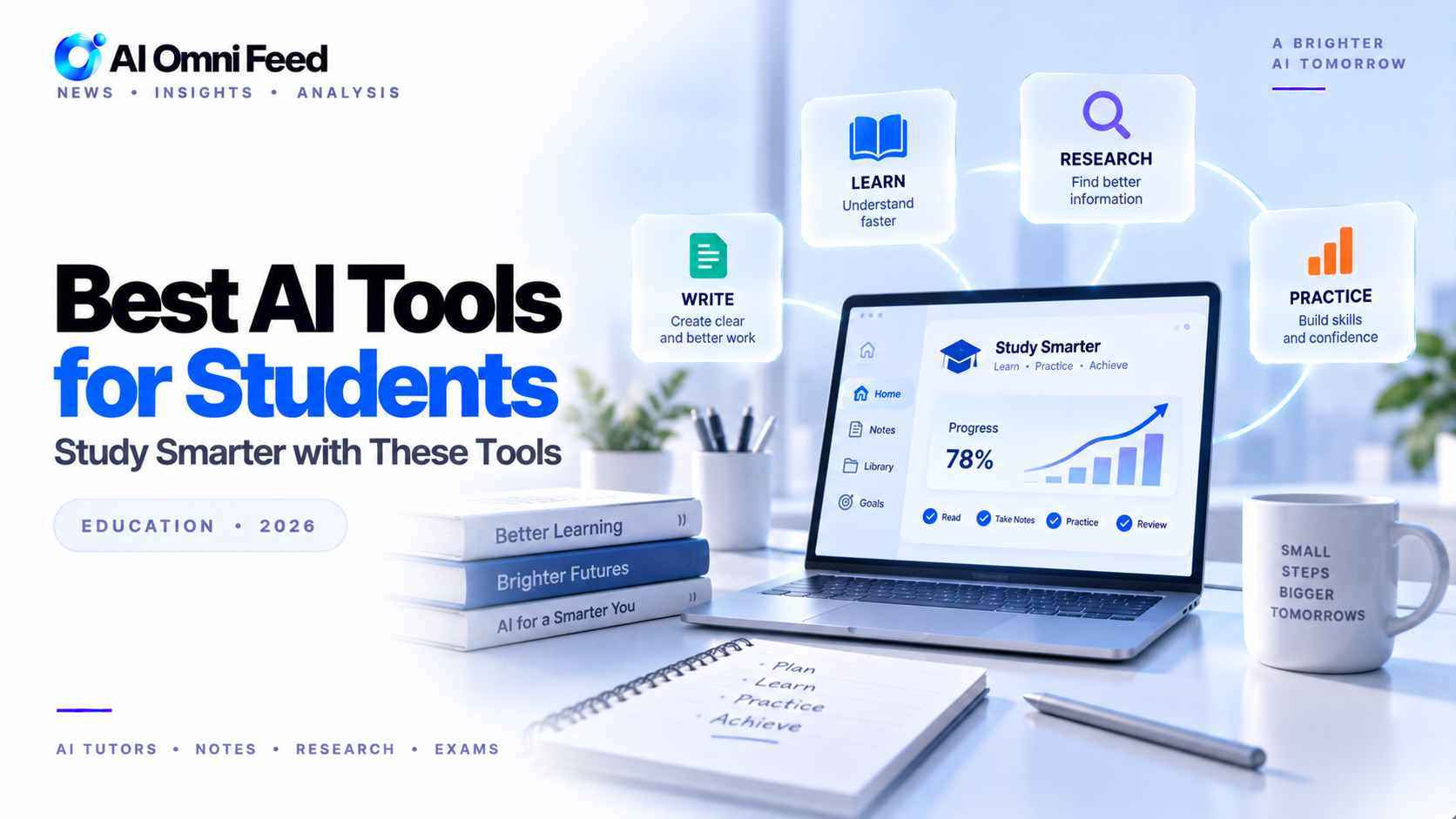
NotebookLM is the best AI tool for research organization and study guides. Perplexity Pro excels at cited academic research. ChatGPT is the best all-round study assistant. Gemini offers the most generous free tier for budget-conscious students. Claude leads for essay writing and analysis. Grammarly is essential for polishing papers. Most tools offer free tiers, making a complete AI study stack accessible for under 20/month.
Key Takeaways
- NotebookLM is the best AI tool for research organization and creating study guides from your materials.
- Perplexity Pro excels at cited research every answer links to sources you can verify.
- Gemini offers the most generous free tier, making it ideal for students on a budget.
- A complete AI study stack costs $0-20/month and can improve grades by 1-2 letter grades.
Best AI Tools for Students in 2026
Students have embraced AI tools faster than almost any other group, and for good reason. AI helps with research, writing, studying, and understanding complex topics. The key is using these tools ethically as study partners and research assistants, not shortcut machines. Here are the best AI tools for students in 2026. For staying organized, check our guide to AI task management tools.
How AI Is Changing Student Learning in 2026
The way students learn has fundamentally shifted with AI. Instead of spending hours searching through textbooks and journals, students now use AI to find relevant information instantly, generate practice problems, and get personalized tutoring on demand. Studies from 2025-2026 show that students who use AI as a study aid (rather than a shortcut) improve their understanding of complex topics by 30-40% and save 8-12 hours per week on research and revision. The key is using AI to enhance understanding, not bypass it.
NotebookLM — Best for Research Organization and Study Guides
NotebookLM by Google is purpose-built for students. Upload your lecture notes, readings, PDFs, and YouTube videos, and NotebookLM creates study guides, FAQs, briefing docs, and audio summaries. Its AI answers questions based only on your uploaded sources, eliminating hallucination risk. The Audio Overviews feature turns your notes into podcast-style discussions, making revision possible during commutes or workouts. NotebookLM is particularly effective for exam preparation, creating structured review materials from disorganized notes. Free with a Google account.
Perplexity Pro — Best for Academic Research
Perplexity Pro is the best tool for researching papers, articles, and topics. Every answer includes citations from academic sources, news articles, and reputable websites. Perplexity Pro Search lets you focus on academic sources and filter by date, domain, and relevance. For writing research papers, it helps build bibliographies and find supporting sources. The Collections feature lets you organize research by project, making it easy to return to previous work. Free tier available; Pro 20/mo. See how it compares in our AI academic research guide.
ChatGPT — Best All-Round Study Assistant
ChatGPT helps with nearly every academic task: explaining concepts, generating practice problems, editing essays, summarizing readings, and quizzing you on material before exams. GPT-5 Advanced Data Analysis can process uploaded documents and create study materials tailored to your course. ChatGPT is particularly strong at breaking down complex topics into digestible explanations at your chosen level of detail from high school to graduate level. Also check out our best AI for math guide and best AI for writing essays guide for subject-specific help. Free tier available; Plus 20/mo.
Gemini — Best Free AI for Students
Gemini free tier is the most generous of any major AI assistant roughly 30 Gemini 3 Pro prompts daily plus unlimited fallback to Gemini Flash. It integrates with Google Workspace, making it easy to draft in Docs, analyze Sheets data, and summarize Gmail threads. Students already using Google products get the most seamless experience. Gemini also handles multimodal inputs, allowing you to upload images of handwritten notes, graphs, and diagrams for analysis. Free.
Claude — Best for Essay Writing and Analysis
Claude excels at long-form writing, critical analysis, and complex explanations. Its 200K token context window handles entire textbooks and research papers in a single conversation. Claude writing is more nuanced than ChatGPT, making it the best choice for essays, literature analysis, and argumentative papers. Claude also provides detailed feedback on your own writing, suggesting structural improvements, argument strengthening, and evidence integration. Free tier available; Pro 20/mo.
Grammarly — Best for Polishing Papers
Grammarly catches grammar errors, improves clarity, checks tone, and suggests style improvements across all your writing. Its AI-powered full-rewrite feature helps rephrase awkward sentences while preserving your meaning. The plagiarism checker ensures your work is original, and the citation formatting tool handles APA, MLA, Chicago, and other styles automatically. Essential for every student writing papers at any academic level. Free tier available; Premium 12/mo.
Real-World Study Strategies with AI
Getting the most out of AI study tools requires a deliberate approach. For exam preparation, use this workflow: upload your lecture notes and readings to NotebookLM to generate comprehensive study guides and audio summaries. Use Perplexity Pro to research any unclear concepts from multiple sources with citations. Generate practice questions with ChatGPT and test yourself. Write essay outlines with Claude for detailed feedback. Finally, polish your actual writing with Grammarly. Students following this workflow report spending 40 percent less time studying while achieving higher grades.
For research papers, the workflow differs: use Perplexity Pro for initial research and source gathering, organize findings in NotebookLM, draft the paper structure with Claude or ChatGPT, write your first draft independently, then use AI for editing, argument strengthening, and citation checking. This preserves your academic voice while leveraging AI for the heavy lifting.
Privacy and Data Considerations for Students
When using AI tools for academic work, privacy matters. Avoid uploading unpublished research, proprietary data, or confidential materials to AI tools that may use your data for training. Major AI providers now offer opt-out options: ChatGPT has a data controls section in settings, Claude offers a do not train option, and Google tools have workspace data protection for education accounts. Check your institution AI usage policy and each tool privacy terms before uploading sensitive materials. When in doubt, use NotebookLM for source-based work since it only references your uploaded materials rather than training on them.
AI Study Tools Comparison Table
| Tool | Best For | Key Strength | Price | Free Tier |
|---|---|---|---|---|
| NotebookLM | Research organization | Source-grounded Q&A, audio summaries | Free | Yes |
| Perplexity Pro | Academic research | Cited answers, source verification | 20/mo | Yes |
| ChatGPT | All-round study assistant | Concept explanation, practice problems, editing | 20/mo | Yes |
| Gemini | Budget-friendly AI | Most generous free tier, Workspace integration | Free | Yes |
| Claude | Essay writing | Long-form writing, critical analysis | 20/mo | Yes |
| Grammarly | Editing & proofreading | Grammar, clarity, plagiarism check | 12/mo | Yes |
Using AI Tools Ethically as a Student
Most institutions allow AI for research, editing, brainstorming, and study assistance but prohibit submitting AI-generated work as your own. The best approach: use AI to deepen your understanding and improve your writing, not to avoid doing the work. Write your own first draft, then use AI for editing and feedback. Use Perplexity for research collection and NotebookLM for study organization. Always check your institution’s specific AI policy. This approach is academically honest and actually improves your learning outcomes. AI is a study partner, not a shortcut.
Frequently Asked Questions
What is the best AI tool for students in 2026?
NotebookLM is the best all-round AI tool for students, offering research organization, study guide creation, and audio summaries from your uploaded materials all for free.
Can students use AI for homework?
Students should use AI for learning and assistance, not for completing assignments. Most institutions permit AI for research, brainstorming, editing, and study preparation. Always verify your school’s specific policy.
What is the best free AI tool for students?
Gemini offers the most generous free tier with roughly 30 Pro prompts daily. NotebookLM is also completely free and purpose-built for academic work.
Which AI is best for writing essays?
Claude leads for long-form academic essays with nuanced arguments and proper structure. ChatGPT is the best all-rounder for essay drafting and editing across all academic levels.
Can AI help me prepare for exams?
Yes. NotebookLM creates study guides from your materials. ChatGPT generates practice problems and quizzes you on material. Perplexity Pro helps research complex topics with cited sources.
How much should a student spend on AI tools?
Most students can get everything they need from free tools: NotebookLM, Gemini, and Grammarly’s free tier. Adding ChatGPT Plus (20/mo) provides additional value for heavy users.
Is it safe to upload my papers to AI tools?
Be cautious with proprietary or unpublished research. Most major AI tools (ChatGPT, Claude, Gemini) now offer opt-out data training options in their settings. Check each tool’s privacy policy before uploading sensitive materials.
