
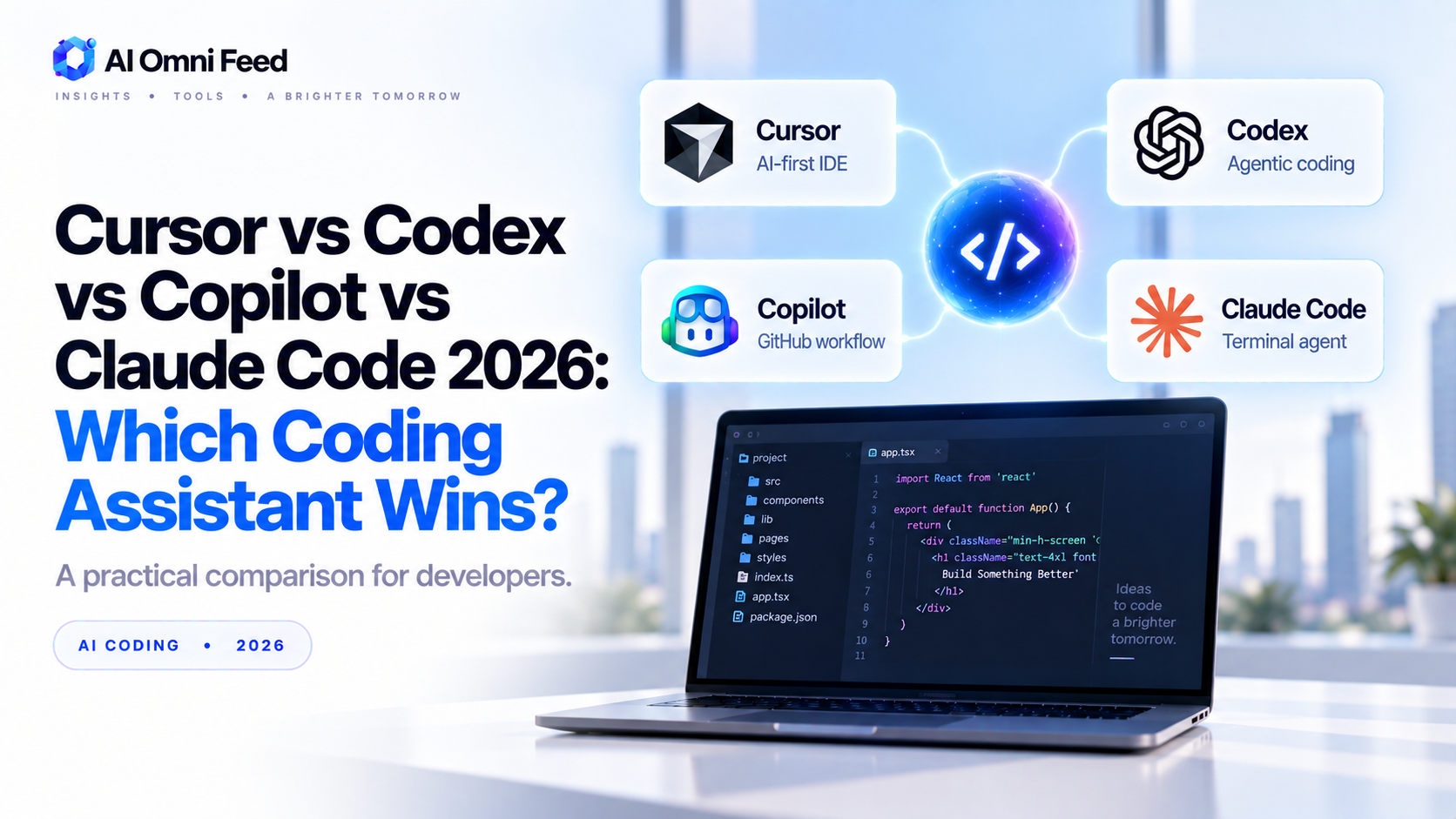
Quick Answer: Which Coding Assistant Wins in 2026?
Cursor is the best all-round choice for most developers in 2026. It wraps GPT-5.6 Sol, Claude Opus 5, and other frontier models in an AI-native editor with the most mature agentic autocomplete, and it works at every skill level. GitHub Copilot wins on ubiquity and price if you live inside VS Code or JetBrains. OpenAI’s Codex is the pick for hands-off, cloud-run coding jobs you can babysit from a phone. Claude Code is the terminal-first choice for deep, multi-file refactors on large codebases. No single tool is best at everything – pick by your editor, your workflow, and how autonomous you want the AI to be.
The Four Contenders
Cursor
Cursor is the AI-native code editor – a VS Code fork with a custom agentic layer on top. In 2026 it lets you bring your own model or use its built-in routing across GPT-5.6, Claude, and Gemini. Its signature features are Tab (predictive multi-line autocomplete), agent mode for multi-file edits, and a composer that plans changes before writing them.
OpenAI Codex
Codex is OpenAI’s coding agent: you describe a task, and it spins up an isolated cloud environment (sandbox), writes tests, runs them, and opens PRs with zero local setup. It runs on GPT-5.6 Sol, the current Terminal-Bench 2.1 leader (88.8), and ships as a CLI, a cloud dashboard, and an IDE extension.
GitHub Copilot
Copilot is Microsoft/GitHub’s assistant, embedded directly in VS Code, Visual Studio, and JetBrains. The 2026 lineup adds agent mode, code review, and a model picker that includes GPT-5.6, Claude, and open models. It’s the most ubiquitous – if you already live in an editor, it’s a one-click install.
Claude Code
Claude Code is Anthropic’s agentic coding tool that runs in your terminal and reads your whole repository. It’s renowned for long-context work – analyzing large codebases, refactoring across many files, and executing tool calls in a loop locally. In 2026 it runs on Claude Opus 5 (AAI 61) and Sonnet 5.
Head-to-Head Benchmarks (2026)
| Metric | Cursor | Codex (OpenAI) | GitHub Copilot | Claude Code |
|---|---|---|---|---|
| Best model available | GPT-5.6 Sol / Opus 5 | GPT-5.6 Sol | GPT-5.6 / Claude (model picker) | Claude Opus 5 / Sonnet 5 |
| Terminal-Bench 2.1 (top) | 88.8 (via Sol) | 88.8 (native) | Depends on selected model | ~84-86 (via Opus/Sonnet) |
| Autocomplete | Tab – best in class | Basic (IDE ext) | Copilot completions – excellent | None (terminal, no inline edit) |
| Agentic multi-file edits | Strong – Composer + agent | Strong – cloud sandbox runs | Good – agent mode & review | Strongest for local refactors |
Editor & Workflow Fit
| Workflow | Best Pick | Why |
|---|---|---|
| VS Code, want inline autocomplete + agent | Cursor | Best Tab autocomplete and best agent-in-editor experience. |
| VS Code, want zero-config drop-in | GitHub Copilot | One install, great autocomplete, model picker, handles PRs natively. |
| Terminal / heavy refactoring on big repos | Claude Code | Reads whole repo, loops tools locally, excels at multi-file changes. |
| Zero-local-setup / run jobs in the cloud | Codex | Spins up sandboxes, runs tests, opens PRs; perfect from any machine. |
| JetBrains suite | Copilot or Cursor | Both ship native JetBrains plugins in 2026. |
Pricing in 2026
| Tool | Free Tier | Paid Plans | Notes |
|---|---|---|---|
| Cursor | Pro trial, limited | $20/mo Pro, $60/mo Pro+, $40/user Teams | BYOB (bring your own key) supported; usage-based add-ons. |
| Codex | Bundled with ChatGPT Free/Go | Included with Plus ($20) & Pro ($100-200); outbound API via GPT-5.6 Sol $5 in / $30 out | Agent usage draws on ChatGPT credits. |
| GitHub Copilot | Individual free tier | Plus $10/mo, Pro $19/mo, Business ~$39/user | Full model picker & agents on Pro/Business. See our GitHub Copilot pricing guide. |
| Claude Code | Limited free | Pro $10/mo, Max $100/mo, Team $25/user | API option: Sonnet 5 $2-3 in / $10-15 out; Opus 5 $5 / $25. |
Which One Should You Pick?
- Still deciding? Read our earlier best AI coding assistants comparison for a fuller field.
- Pick Cursor if you want the best autocomplete plus a strong agent in one editor, on any stack.
- Pick Copilot if you want the simplest install inside the editor you already use, especially for PRs and reviews.
- Pick Codex if you want zero local setup, cloud sandboxes, and to offload heavy jobs while you work elsewhere.
- Pick Claude Code if your work is deep refactoring, huge codebases, or terminal-first workflows.
- Pro tip: many 2026 developers run two – an editor assistant (Cursor or Copilot) plus a terminal/cloud agent (Claude Code or Codex).
Real-World Workflows: How Teams Actually Use These Tools
Here’s how the four tools map onto actual developer days in 2026:
- Solo developer, mixed stack: Cursor as the editor with Tab autocomplete, plus Claude Code in the terminal for tricky multi-file refactors.
- Team on GitHub: Copilot for completions and PR review inside the repo, where native GitHub integration saves the most steps.
- Product engineer juggling machines: Codex for cloud jobs that run in sandboxes – ideal when you need a task finished without local setup.
- Legacy-codebase specialist: Claude Code reading huge, unfamiliar repositories and making confident cross-file changes.
The common thread: the strongest setups pair an editor assistant with a heavier agent, and the deciding factor is usually the environment (editor, repo, terminal), not the benchmark score.
Hidden Costs to Watch For
Subscription prices aren’t the whole story. Before committing, factor in three quieter costs:
- Usage overages and credits: agent-heavy plans bill on tokens or “requests” on top of the seat – heavy users can double their bill.
- Team rollout time: learning curves, prompt conventions, and repo setup are real hours in the first month.
- Model interchangeability: switching tools usually means re-tuning – so verify the workflow you actually use before standardizing a team on it.
The right tool pays for itself fast; the wrong one is a subscription you’ll quietly stop renewing.
Frequently Asked Questions
Is Cursor better than Copilot in 2026?
For most developers, yes – Cursor’s Tab autocomplete is sharper and its agent mode handles multi-file edits more reliably out of the box. Copilot remains the better choice if you want a zero-config drop-in inside an existing VS Code workflow and prefer GitHub’s native PR/review integration.
Is OpenAI Codex free?
Codex is bundled into ChatGPT plans – basic usage is included with Free and Go tiers, with fuller agent access on Plus ($20/mo) and Pro ($100-200/mo). Heavy usage consumes ChatGPT credits; standalone access uses GPT-5.6 API pricing ($5 in / $30 out per million tokens for Sol).
What model does Claude Code use?
By default Claude Code runs on Claude models – in 2026 that means Sonnet 5 for everyday edits and Opus 5 for complex, long-context work. You can pick the model per session.
Which AI coding assistant is best for a junior developer?
Cursor is the friendliest: its autocomplete is forgiving, and agent mode plans changes and explains them before applying. Copilot is a close second and easier to add to an existing VS Code setup. Both are far better than starting from a blank screen.
Can I use the same model across all four tools?
Mostly, yes. Cursor lets you bring your own key and route to GPT-5.6 or Claude; Copilot has a model picker; Claude Code is Claude-only; Codex is OpenAI-only. In practice the models overlap heavily, so pick the tool experience first and the model second.
