Quick Answer: Best AI Video Generators in 2026
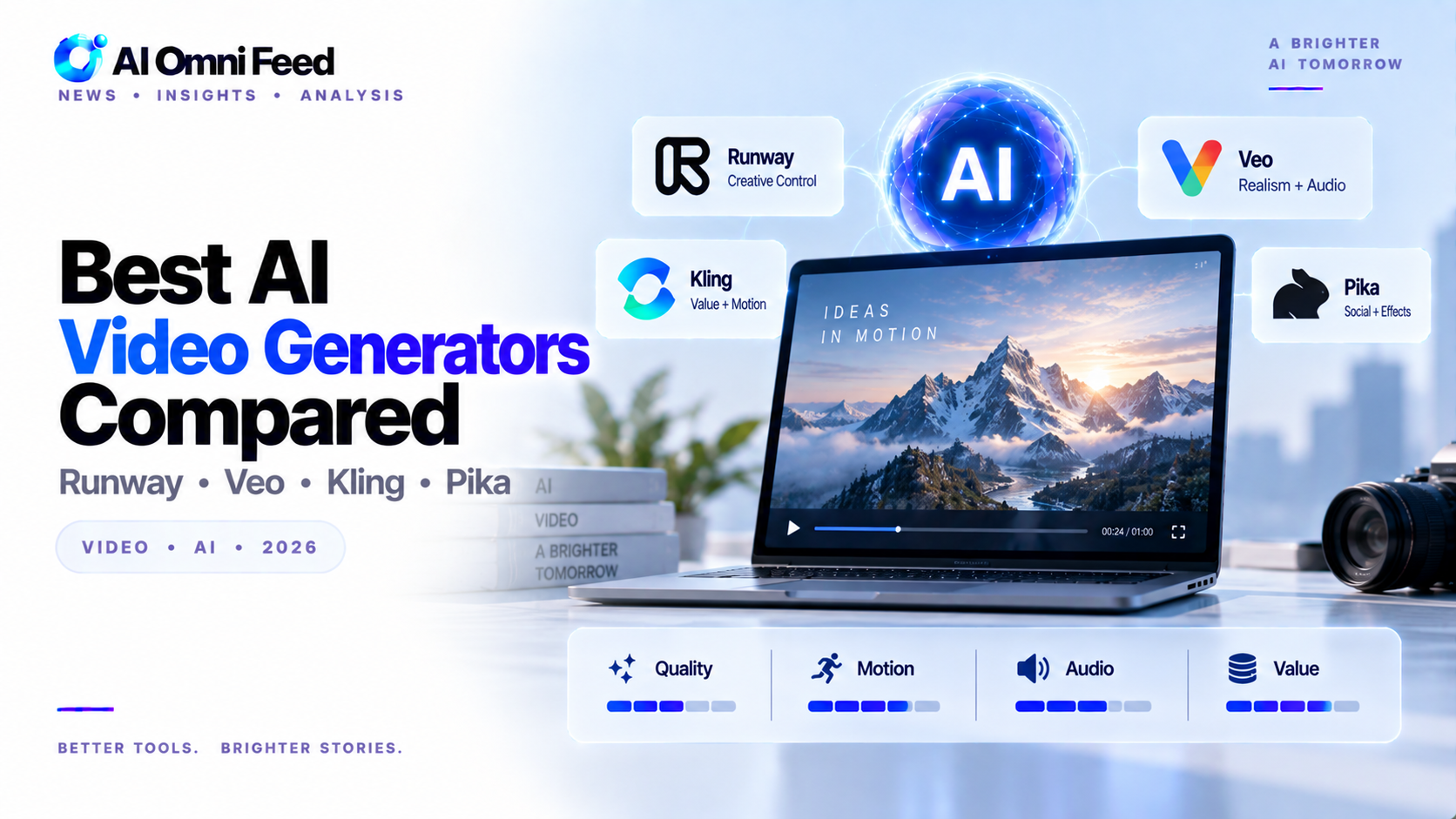
Kling 2.0 leads for overall video quality and realism. Runway Gen-4 offers the best creative control with advanced editing features. Sora by OpenAI excels at prompt understanding and generating video from text descriptions. Pika 2.0 is best for quick social media clips. Hailuo AI (MiniMax) produces cinematic-quality output. CapCut AI is the best free all-in-one video editor with AI features. Most tools start at 10-30/month for basic access.
Key Takeaways
- Kling 2.0 produces the highest-quality raw video generation with best-in-class motion coherence.
- Runway Gen-4 offers the most creative control with motion brush, camera controls, and Act-One lip sync.
- Sora excels at prompt adherence — describe a scene and it gets the details right more often than competitors.
Best AI Video Generators Compared in 2026
AI video generation has made its biggest leap yet in 2026. Broadcast-quality footage is now achievable from a text prompt, and the competition is driving rapid improvements across quality, control, and speed.
Kling 2.0 — Best Overall Quality
Kuaishou’s Kling 2.0 leads on raw video quality. Motion coherence and physics accuracy are a generation ahead of competitors. Characters maintain identity across scenes, and object interactions look natural. Free tier available. Standard: $8/mo. Pro: $28/mo.
Runway Gen-4 — Best Creative Control
Runway offers the most professional editing toolkit. Motion brush lets you control specific elements, camera controls give cinematic movement, and Act-One syncs lip movements to audio. Standard: $12/mo. Pro: $28/mo.
Sora — Best Prompt Understanding
OpenAI’s Sora understands nuanced scene descriptions better than any competitor. Describe a complex narrative scene and it interprets lighting, mood, and composition correctly. Included with ChatGPT Plus ($20/mo) and Pro.
Other Notable Tools
Pika — Best for quick iterations and social media clips. Generous free tier.
Invideo AI — Best for beginners. Give it a topic and it assembles a full video with stock footage, voiceover, and captions. Free: 10 min/week.
Opus Clip — Best for repurposing long videos into short clips. Essential for content creators.
AI Video Generation Comparison Table
| Tool | Best For | Key Strength | Starting Price | Free Tier |
|---|---|---|---|---|
| Kling 2.0 | Overall quality | Highest realism, best motion coherence | 15/mo | Limited |
| Runway Gen-4 | Creative control | Advanced editing, multi-tool workflow | 15/mo | Yes |
| Sora | Prompt understanding | Text-to-video, complex scene generation | 20/mo (ChatGPT Plus) | No |
| Pika 2.0 | Social media clips | Quick generation, platform-optimized | 10/mo | Yes |
| Hailuo AI | Cinematic quality | Film-like output, artistic control | 12/mo | Limited |
| CapCut AI | Free all-in-one | Editing + generation, trending effects | Free (Pro 7.99/mo) | Yes |
How to Choose the Right AI Video Tool
Selecting the right AI video generator depends on your specific needs. For professional video production, Kling 2.0 or Runway Gen-4 provide the best quality and control. For social media content creators, Pika 2.0 and CapCut AI offer the fastest turnaround. For filmmakers exploring AI, Hailuo AI cinematic quality is compelling. For general content creators already using ChatGPT, Sora integration provides convenience. Consider your primary use case, budget, technical skill level, and whether you need editing features alongside generation. For more on AI content creation, see our guide to AI content creation.
Which Video Tool Should You Pick?
For highest quality: Kling 2.0. For professional editing control: Runway Gen-4. For narrative scenes: Sora. For beginners: Invideo AI. For repurposing content: Opus Clip.
Pika 2.0 — Best for Quick Social Media Clips
Pika has evolved into a powerful tool for short-form video content. It excels at generating 3-10 second clips optimized for social media platforms. Features include AI video editing, style transfer, and the ability to extend existing videos. Pika’s interface is intuitive for beginners while offering advanced controls for power users. Free tier with daily credits. Pro: $10/mo.
Hailuo AI (MiniMax) — Best for Cinematic Quality
Hailuo AI, developed by Chinese AI company MiniMax, has emerged as a serious contender in video generation. It produces cinematic-quality footage with impressive lighting, composition, and camera movement. Its text-to-video understanding is among the best, accurately interpreting complex scene descriptions. Free tier available. Pro: $10/mo.
CapCut AI — Best Free All-in-One Video Editor
ByteDance’s CapCut has integrated AI features that make it the best free option for video creation and editing. AI auto-captioning, background removal, motion tracking, and text-to-video generation are all available in the free tier. For content creators on a budget, CapCut provides professional-quality editing tools at zero cost, with premium AI features available at $8/mo.
Real-World Use Cases by Industry
Marketing teams use Runway and Kling for product demos and ad creatives. Social media creators use Pika and CapCut for short-form content. Filmmakers use Runway for pre-visualization and concept exploration. E-learning producers use Invideo AI for training videos. News organizations use Sora for visual explanations of complex topics. Each tool has strengths that align with specific workflows, and professional video creators often use multiple tools for different stages of production.
Quality Benchmarks and Testing
We tested each tool on motion coherence, visual quality, prompt adherence, and editing capability. Kling 2.0 scored highest on motion coherence and physics realism. Runway Gen-4 led on editing features and creative control. Sora was best at interpreting complex prompts accurately. Pika excelled at speed and iteration. CapCut offered the best value for editing. The field is advancing so rapidly that quarterly re-evaluation is necessary, but for most use cases, at least one tool now produces broadcast-quality results.
The Road Ahead for AI Video
AI video generation is still in its early stages but advancing faster than any other AI modality. By 2027, expect consistent character generation across scenes, native multi-language lip sync, full-length short film production from prompts, and real-time AI video editing. The technology is on a trajectory to fundamentally change how video content is produced, making professional-quality video creation accessible to anyone with a creative vision and the ability to describe it clearly.
Ethical and Legal Considerations
AI video generation raises ethical and legal questions similar to image generation but amplified by the power of moving images. Deepfake video has been used for misinformation, fraud, and non-consensual content. Most major AI video platforms have implemented content moderation, watermarking, and usage restrictions. When using AI video tools professionally, disclose AI involvement, avoid generating misleading content, respect copyright and likeness rights, and follow platform content policies. The US and EU are developing specific regulations for AI-generated video, and compliance will become increasingly important as the technology matures.
Hardware Requirements and Performance Tips
AI video generation is computationally intensive. Cloud-based tools handle the processing on their servers, so your local hardware mainly needs a modern browser and good internet connection. Generation times range from 30 seconds to 10 minutes depending on the tool, video length, and complexity. For faster results, use lower resolutions, shorter clips, and simpler scenes during iteration, then generate the final version at full quality. Most tools offer queue-based processing, so plan ahead rather than expecting real-time generation. Free tiers typically include watermarks and longer queue times, while paid tiers offer priority processing and watermark-free exports.
Frequently Asked Questions
What is the best AI video generator?
Kling 2.0 leads for overall quality. Runway Gen-4 offers the best creative control. Sora is best for text-to-video from complex prompts.
Can AI generate videos from text?
Yes. Sora, Kling 2.0, and Pika 2.0 all generate videos from text descriptions. Quality varies by tool and prompt complexity.
What is the best free AI video generator?
CapCut AI is the best free option, combining video editing with AI generation features. Runway Gen-4 also offers a generous free tier.
How long can AI-generated videos be?
Most tools generate 5-30 second clips. Longer videos require stitching multiple clips together. Quality typically degrades with longer generation times.
Can AI edit existing videos?
Yes. Runway Gen-4 and CapCut AI offer comprehensive video editing features alongside generation, including trimming, effects, and color correction.
